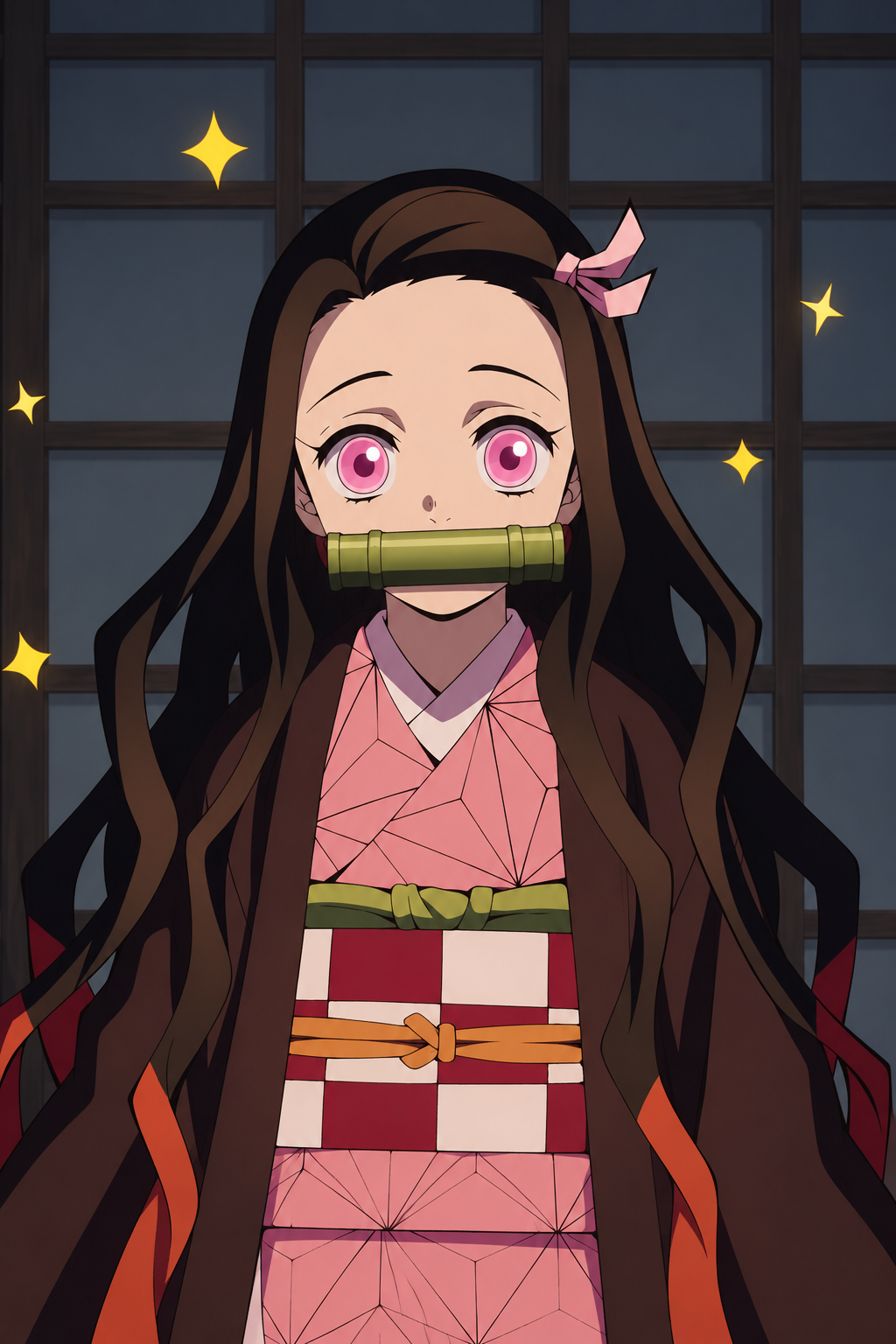
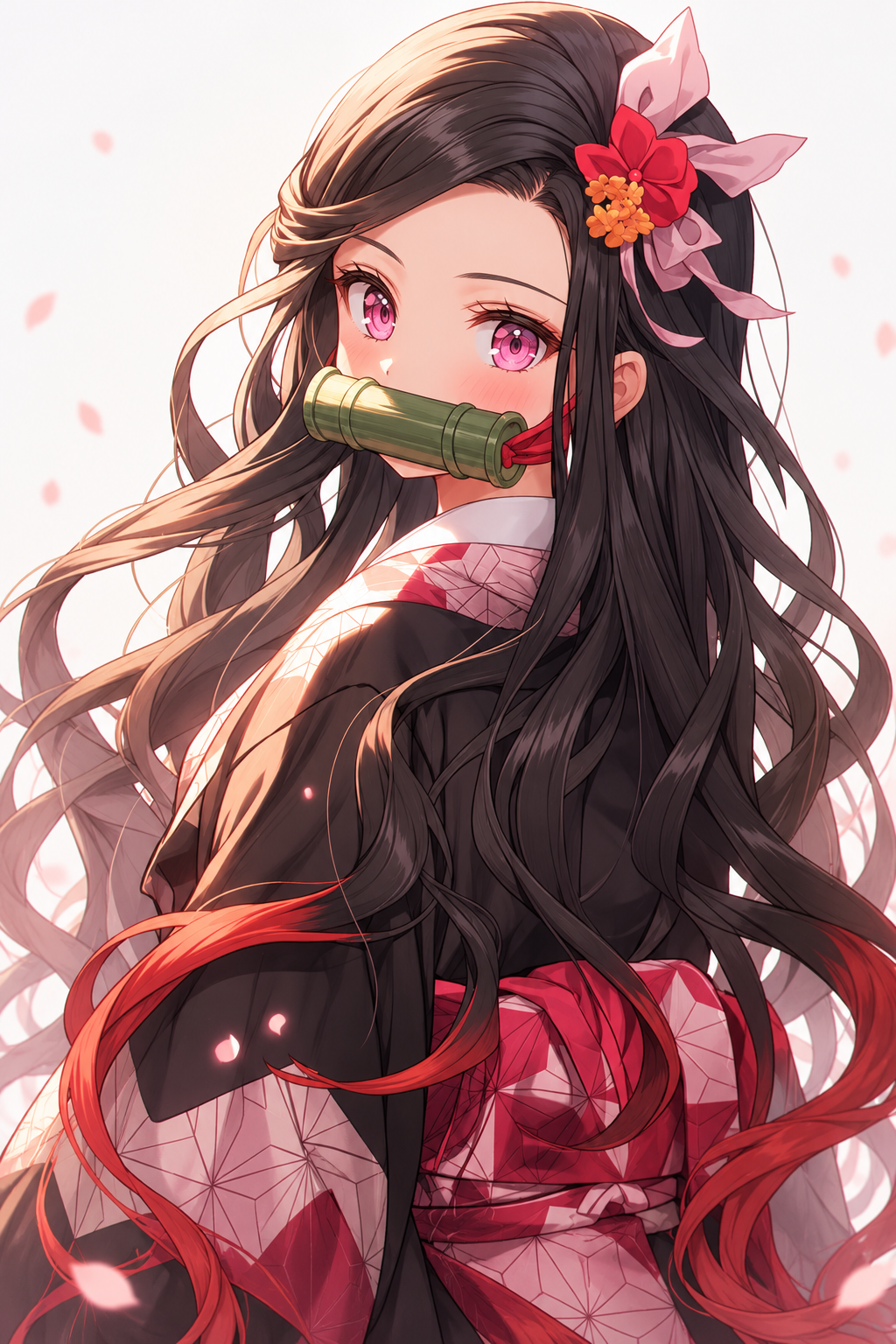
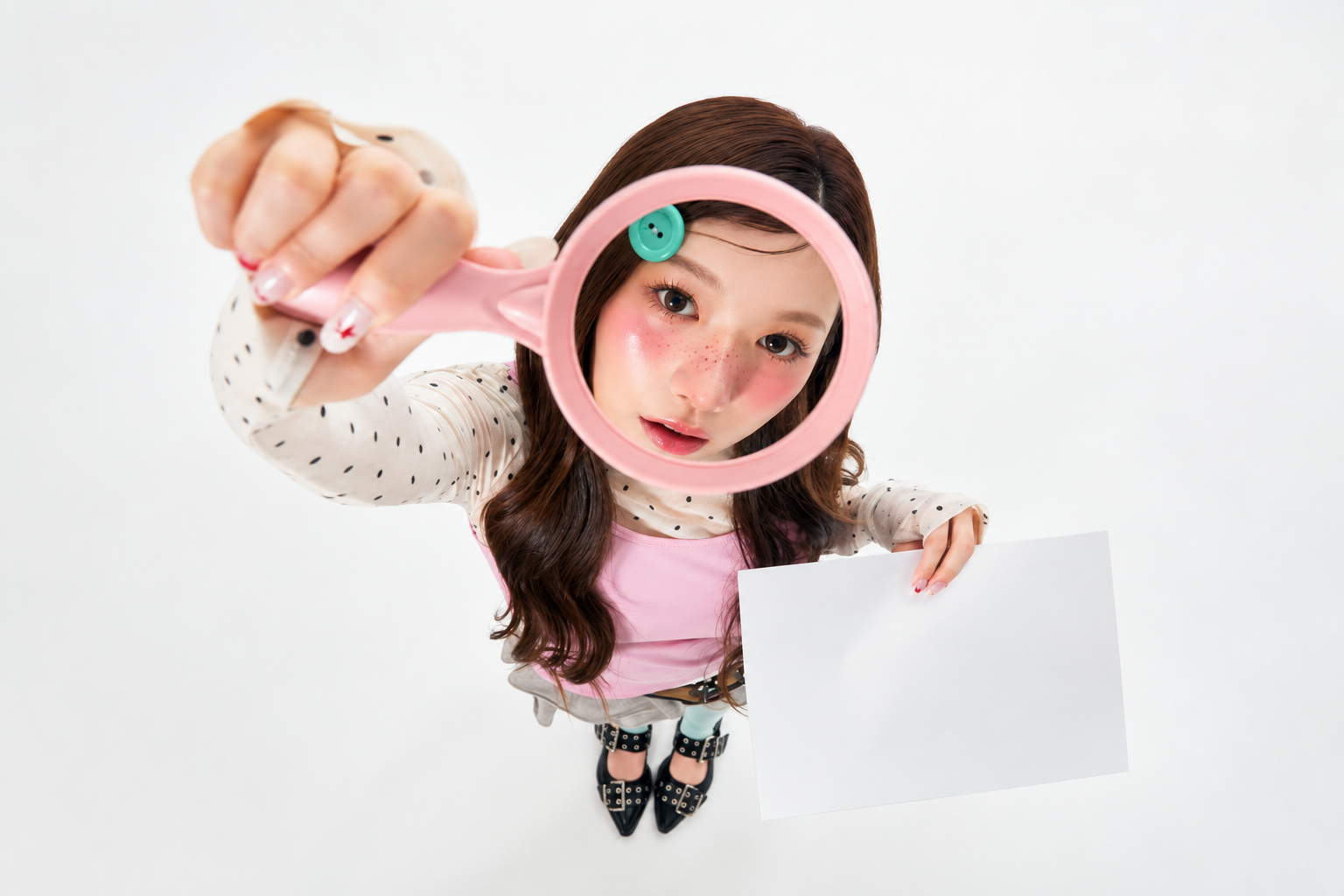
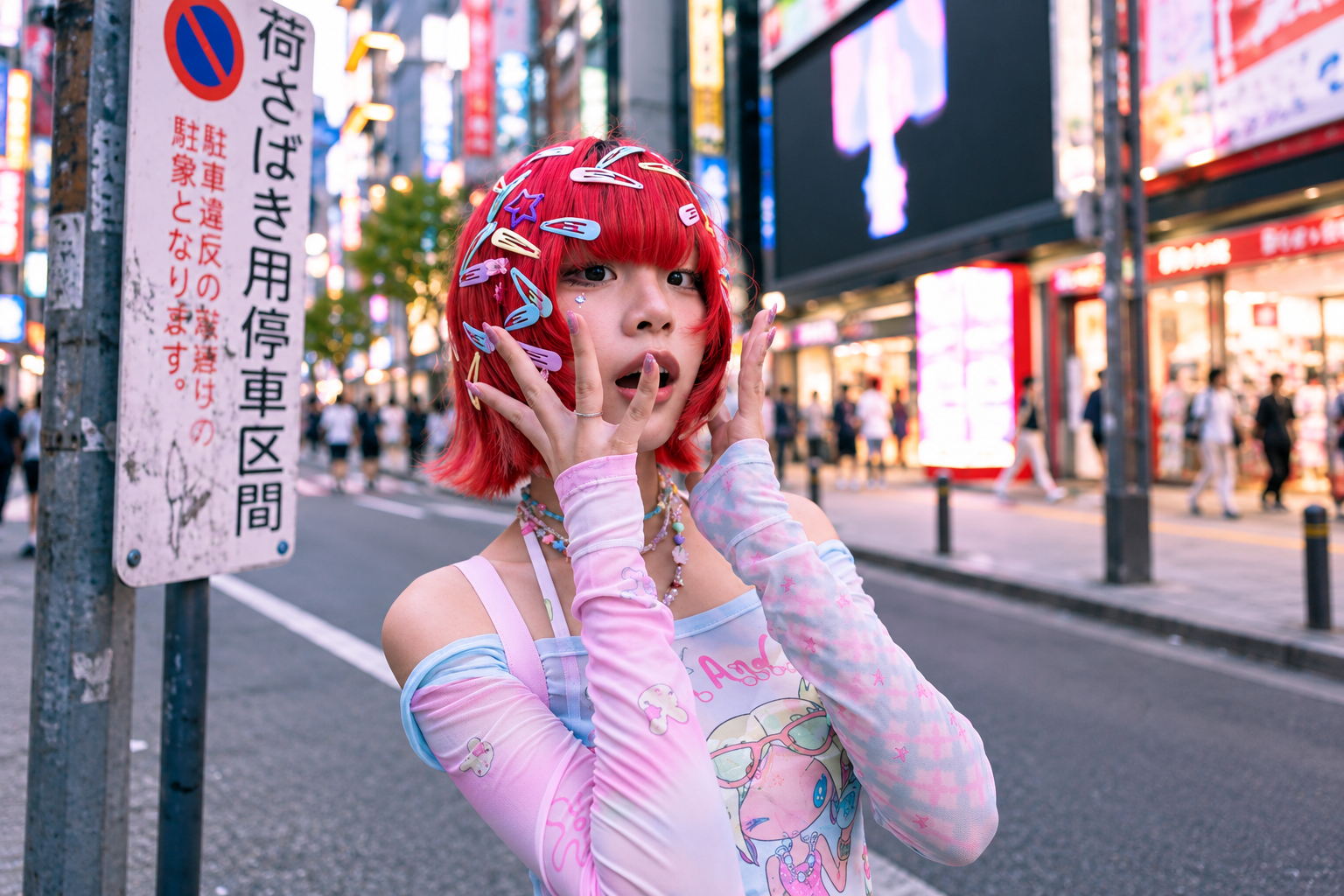
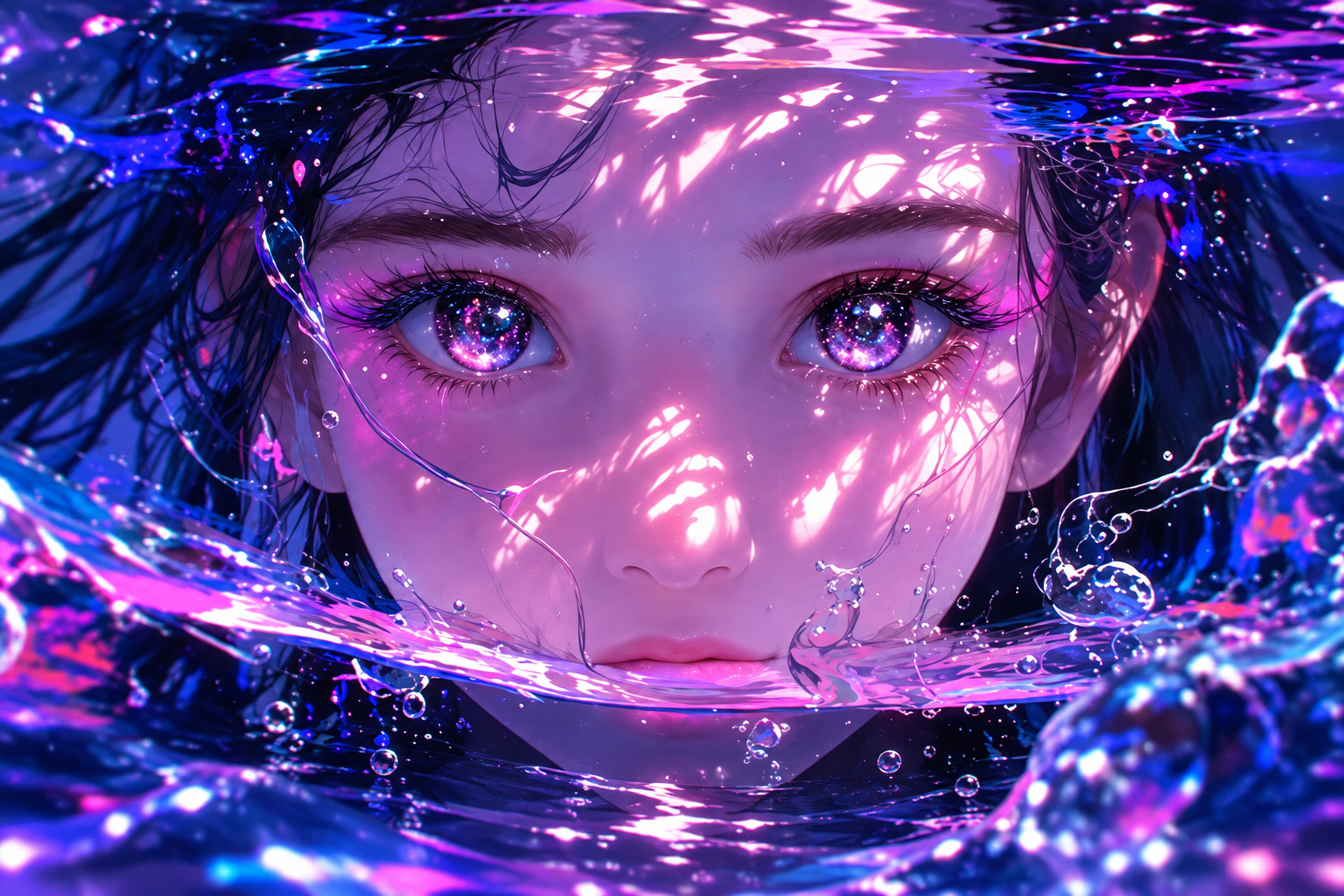
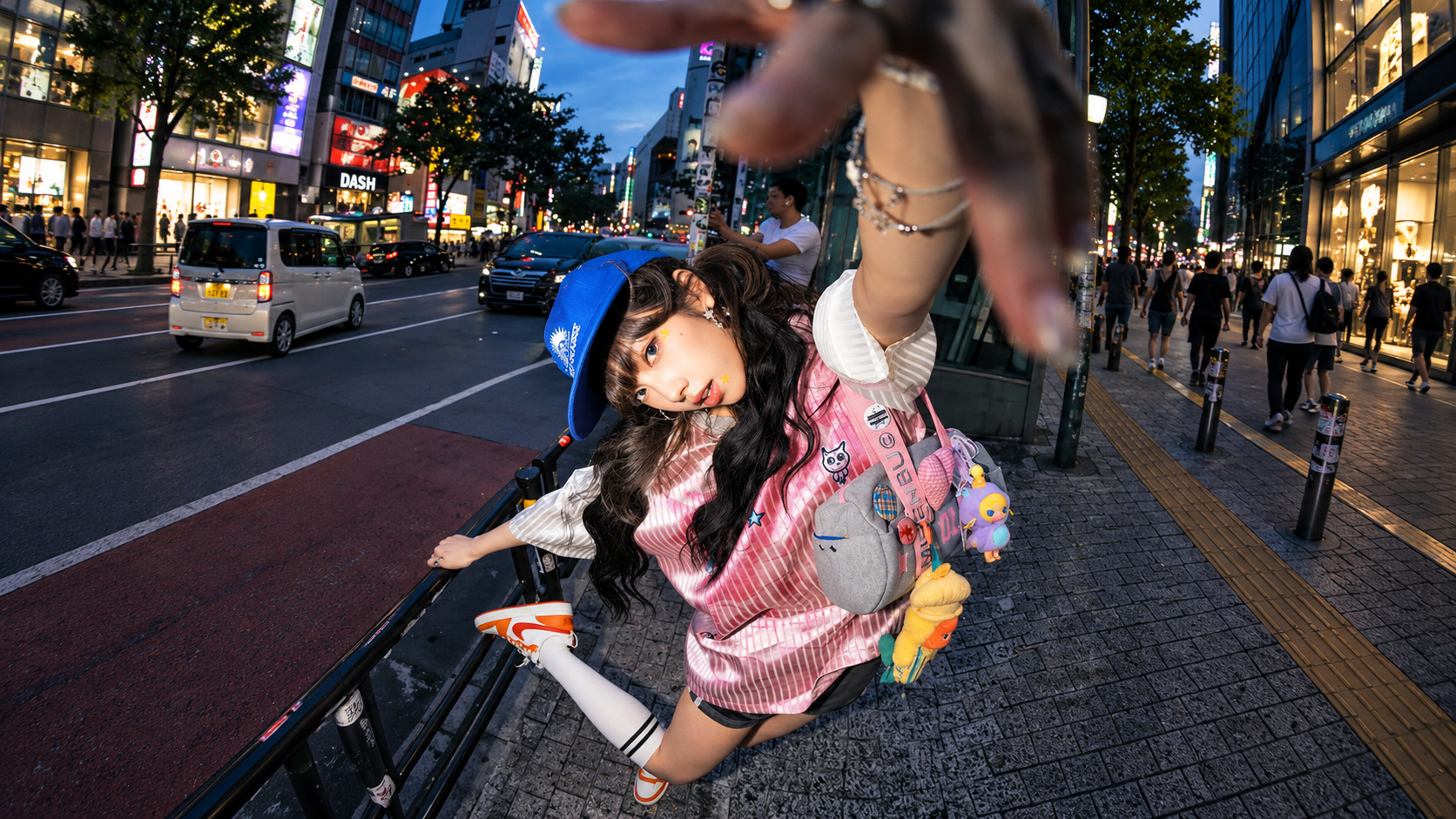
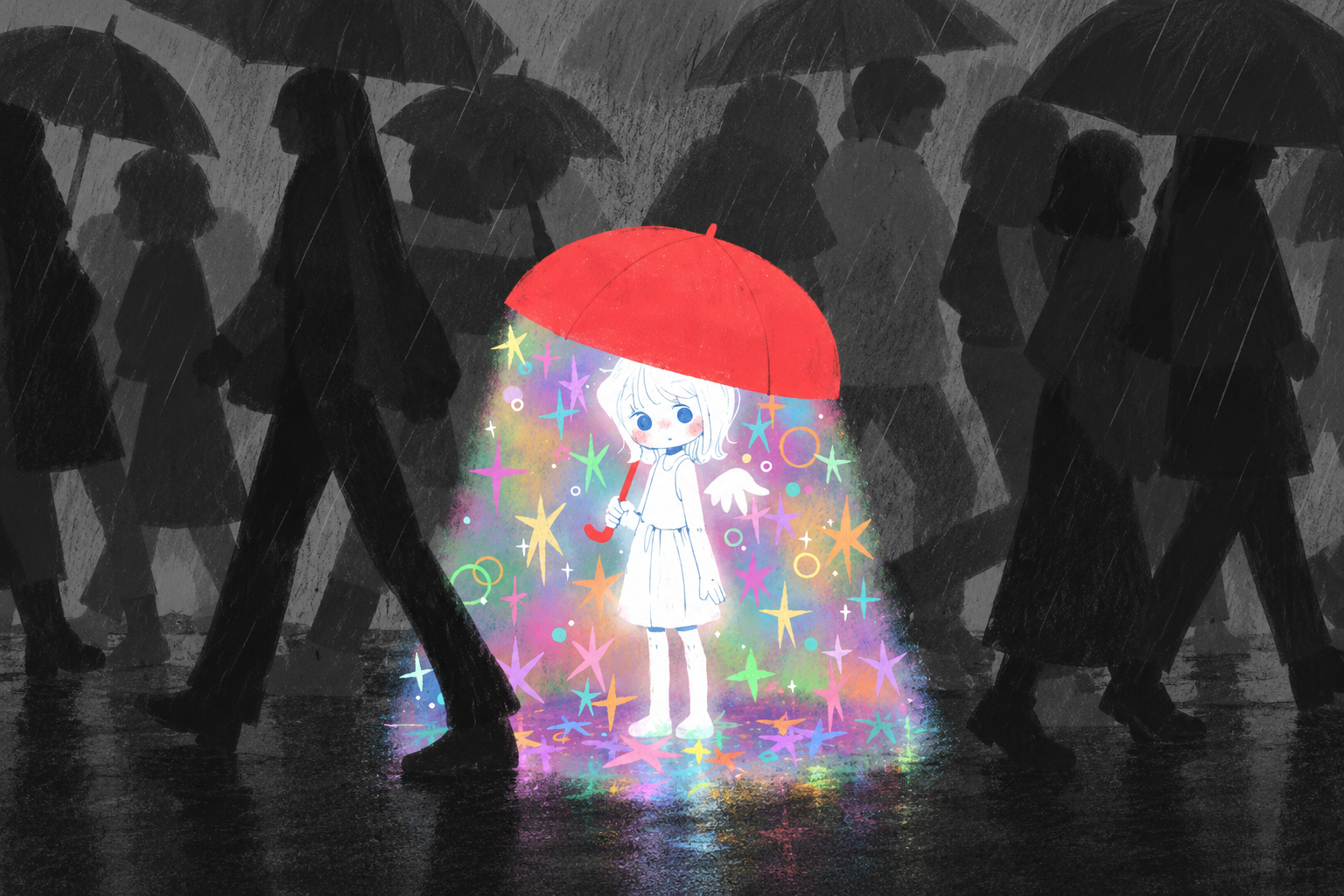
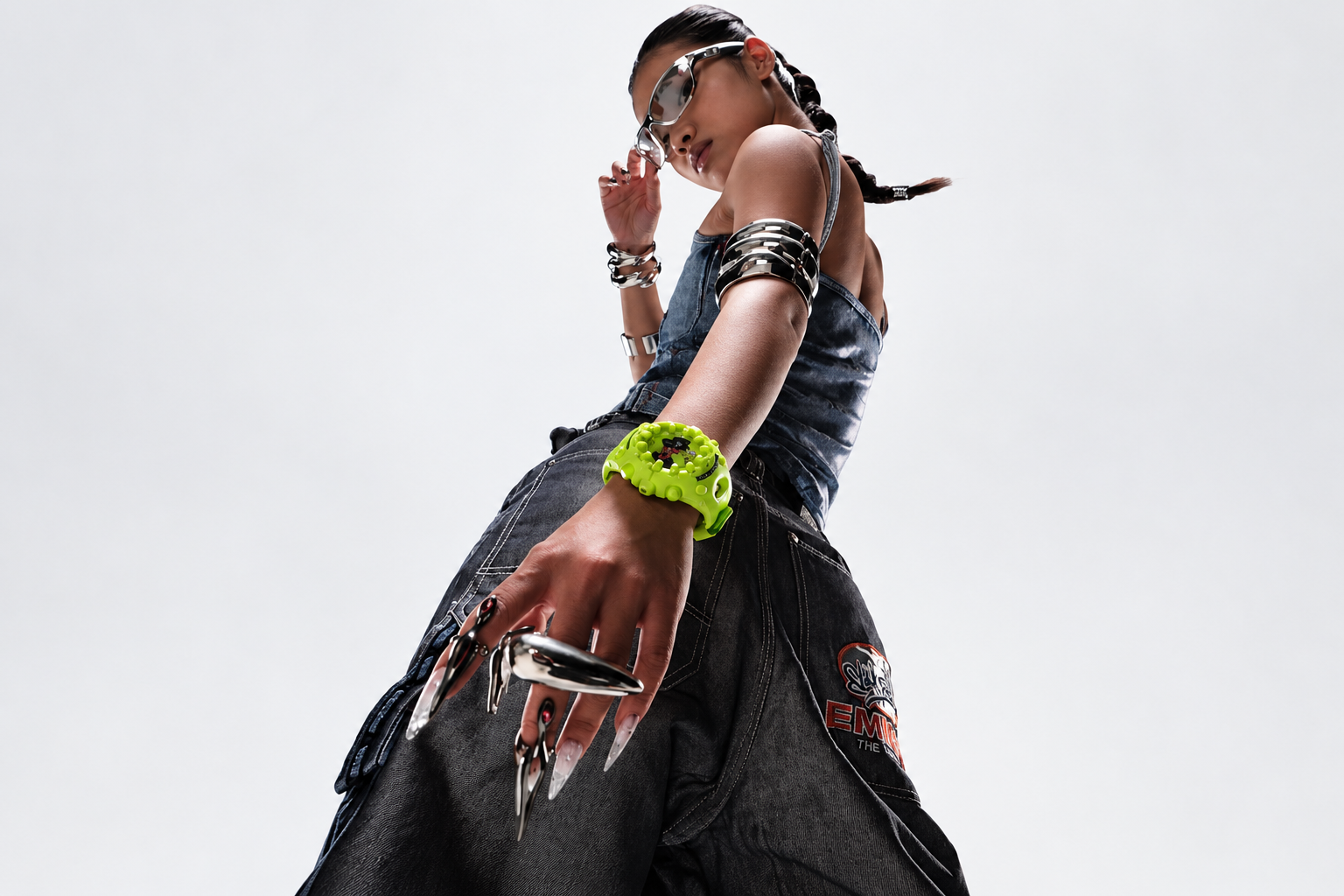
Your questions about AI photo creation, references, and free trials, answered.
What is an AI photo generator?
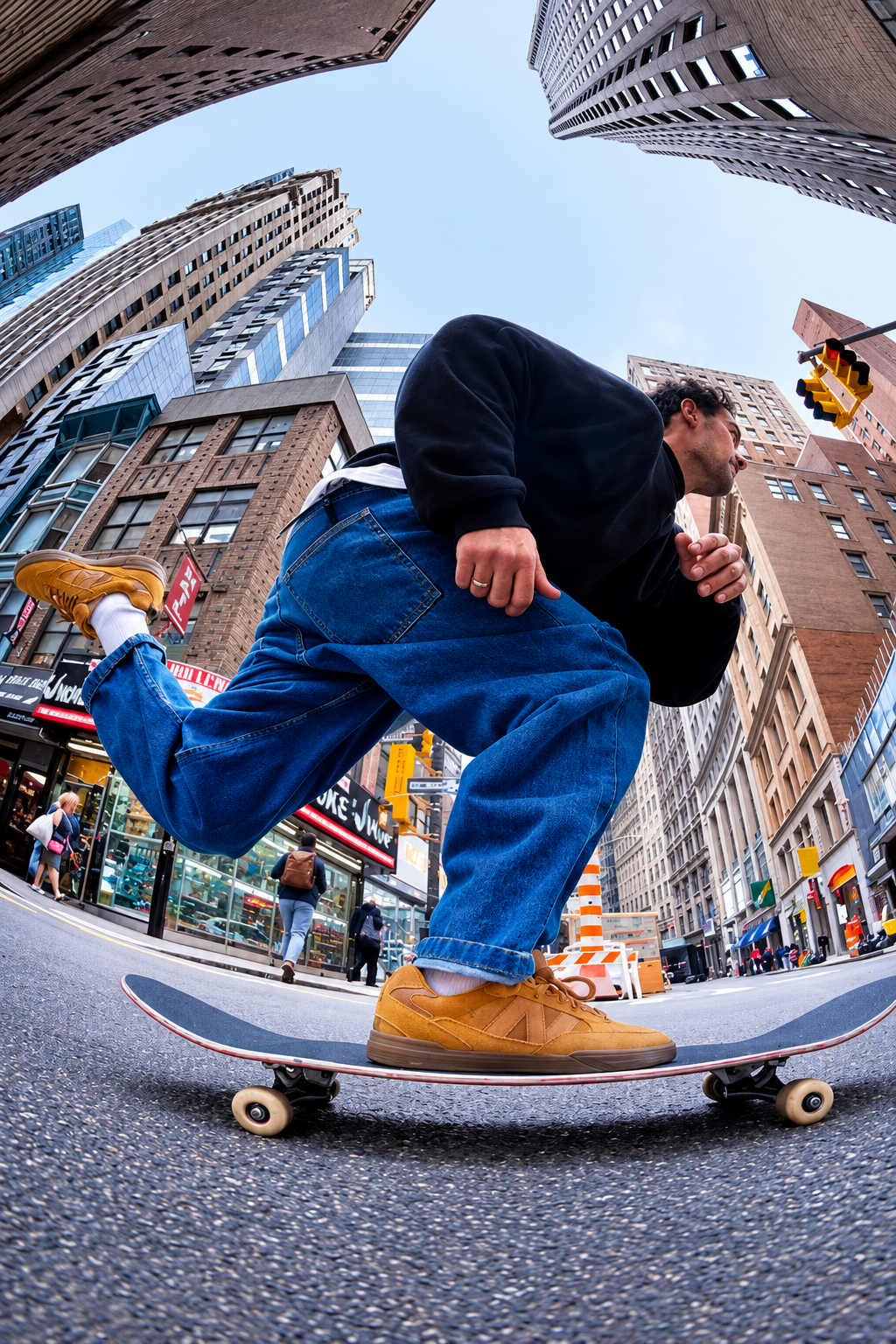
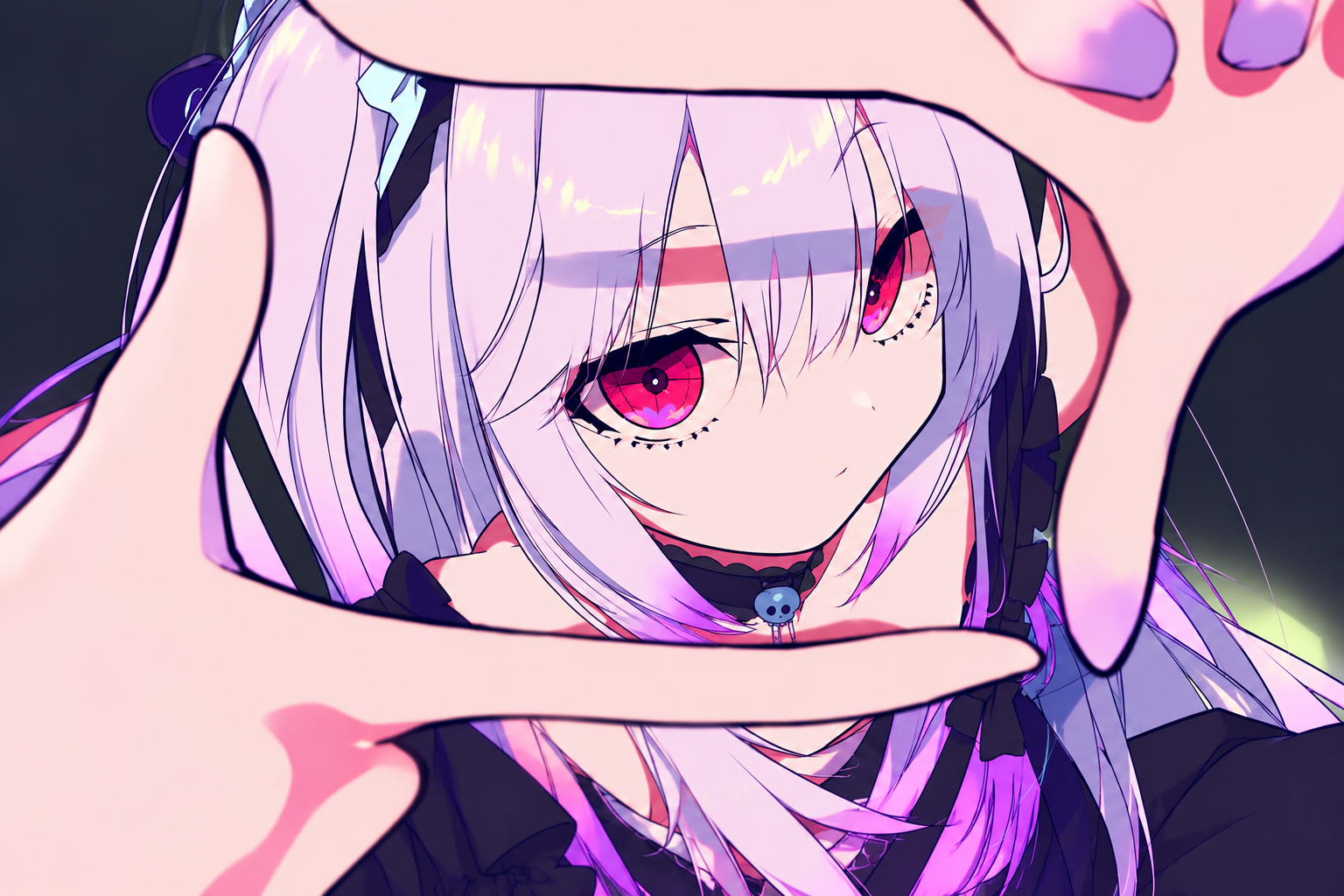
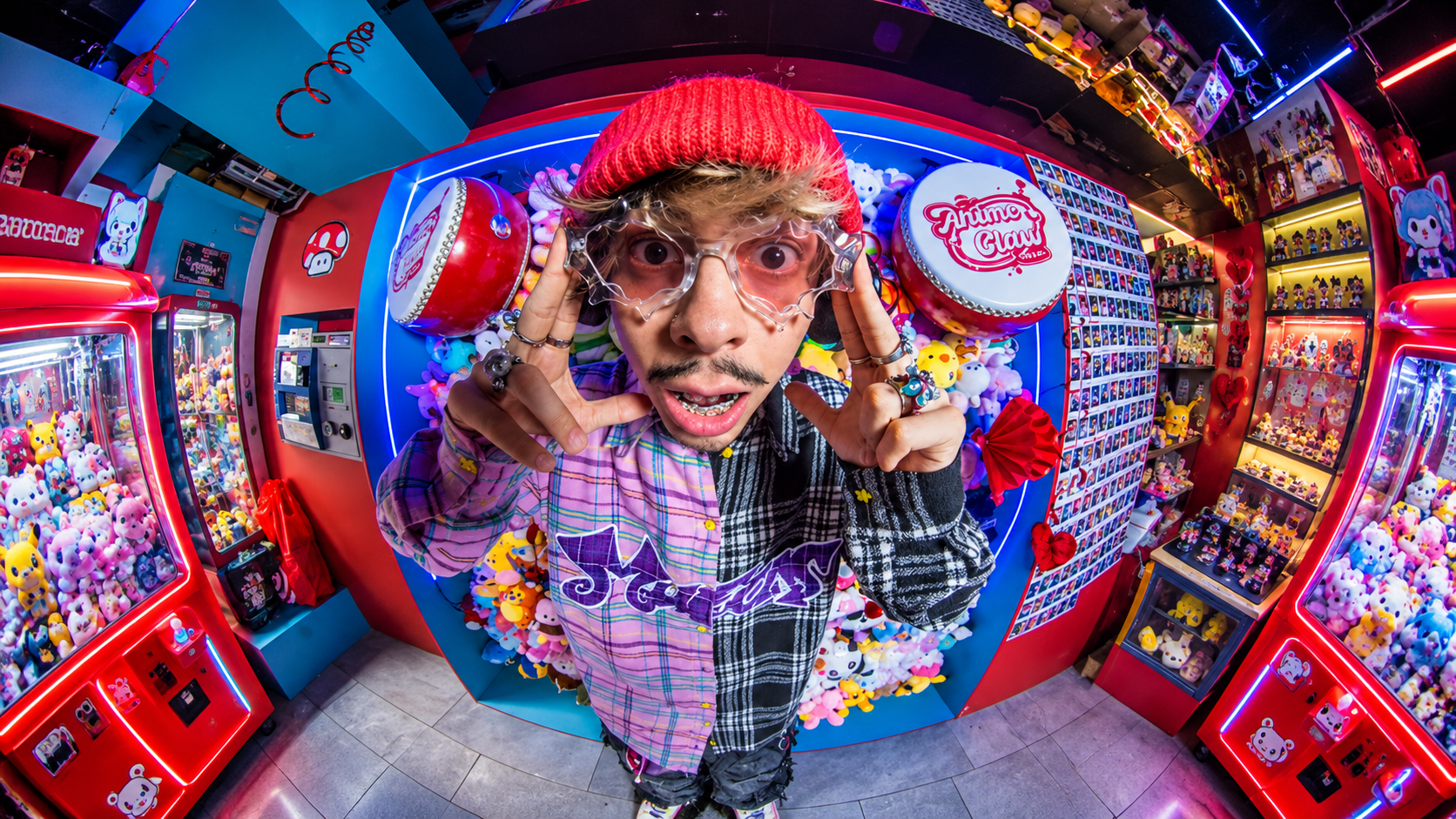
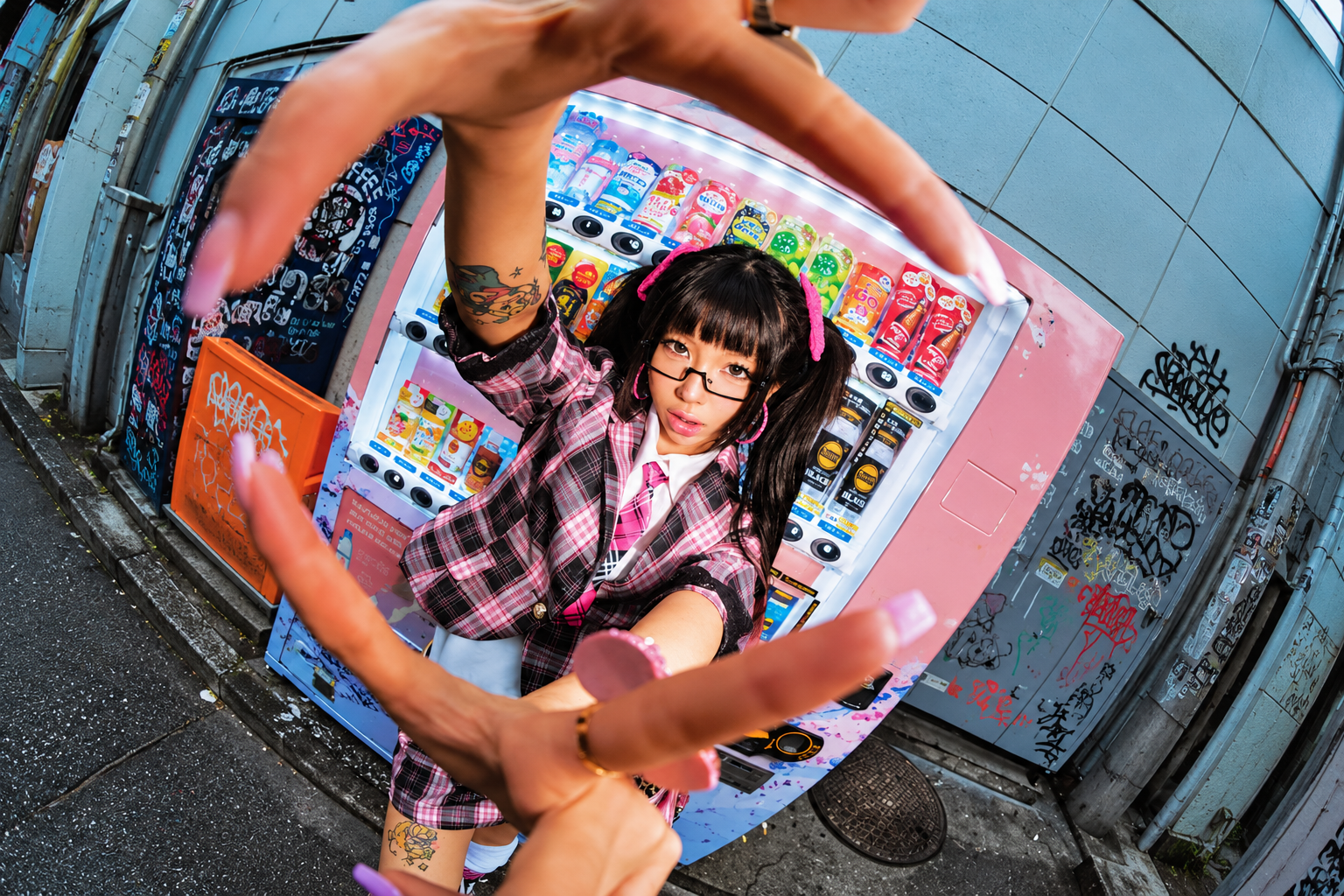
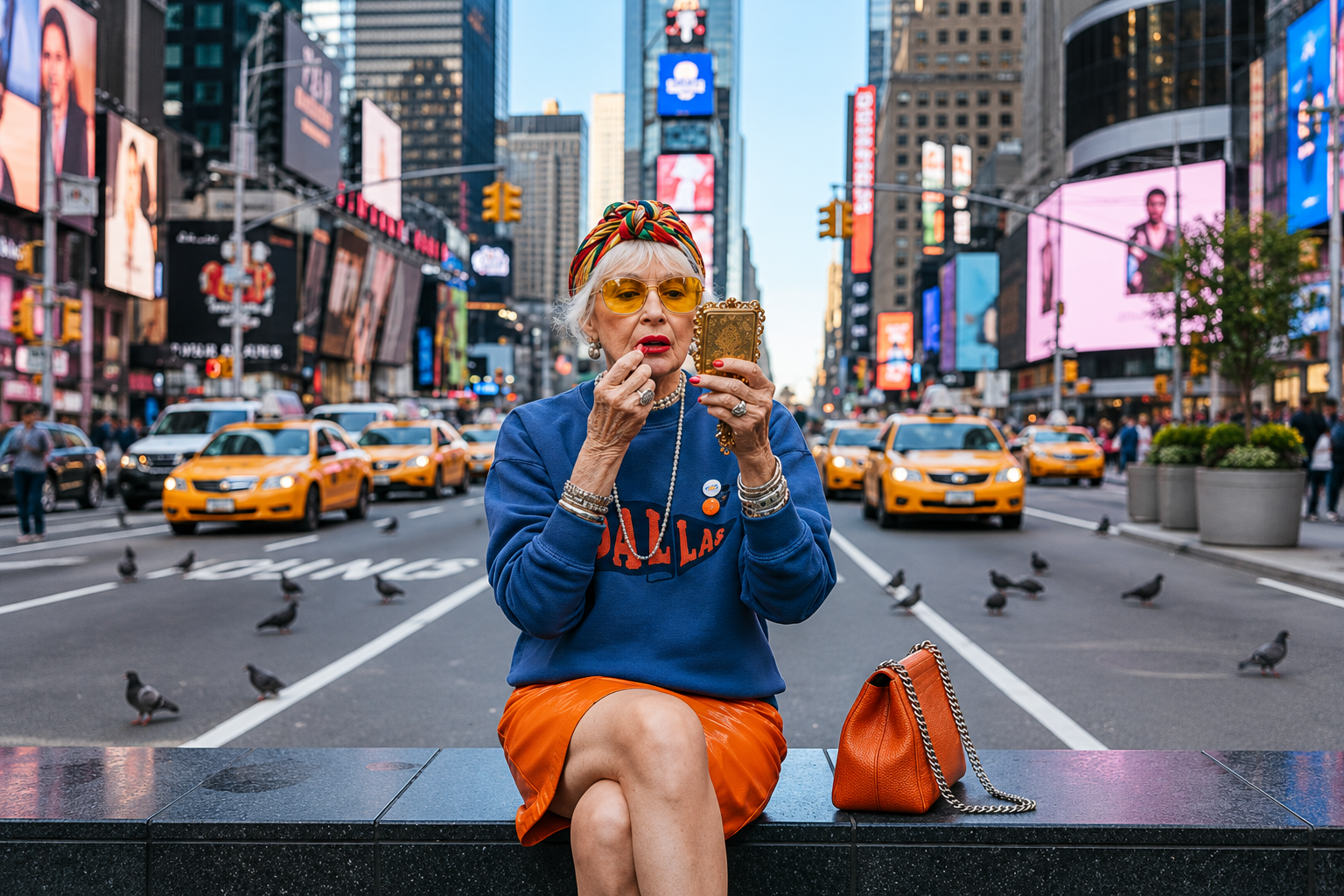
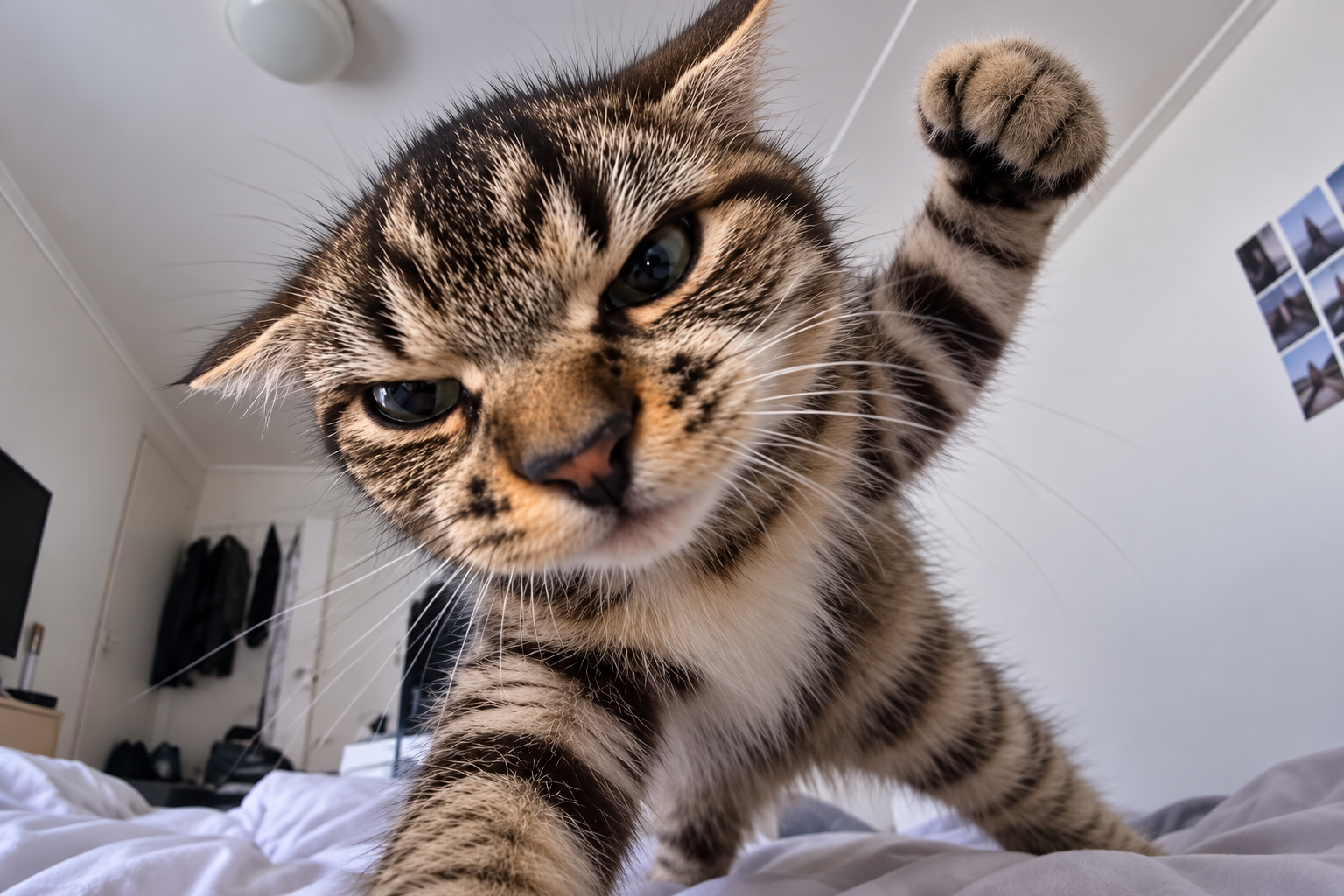
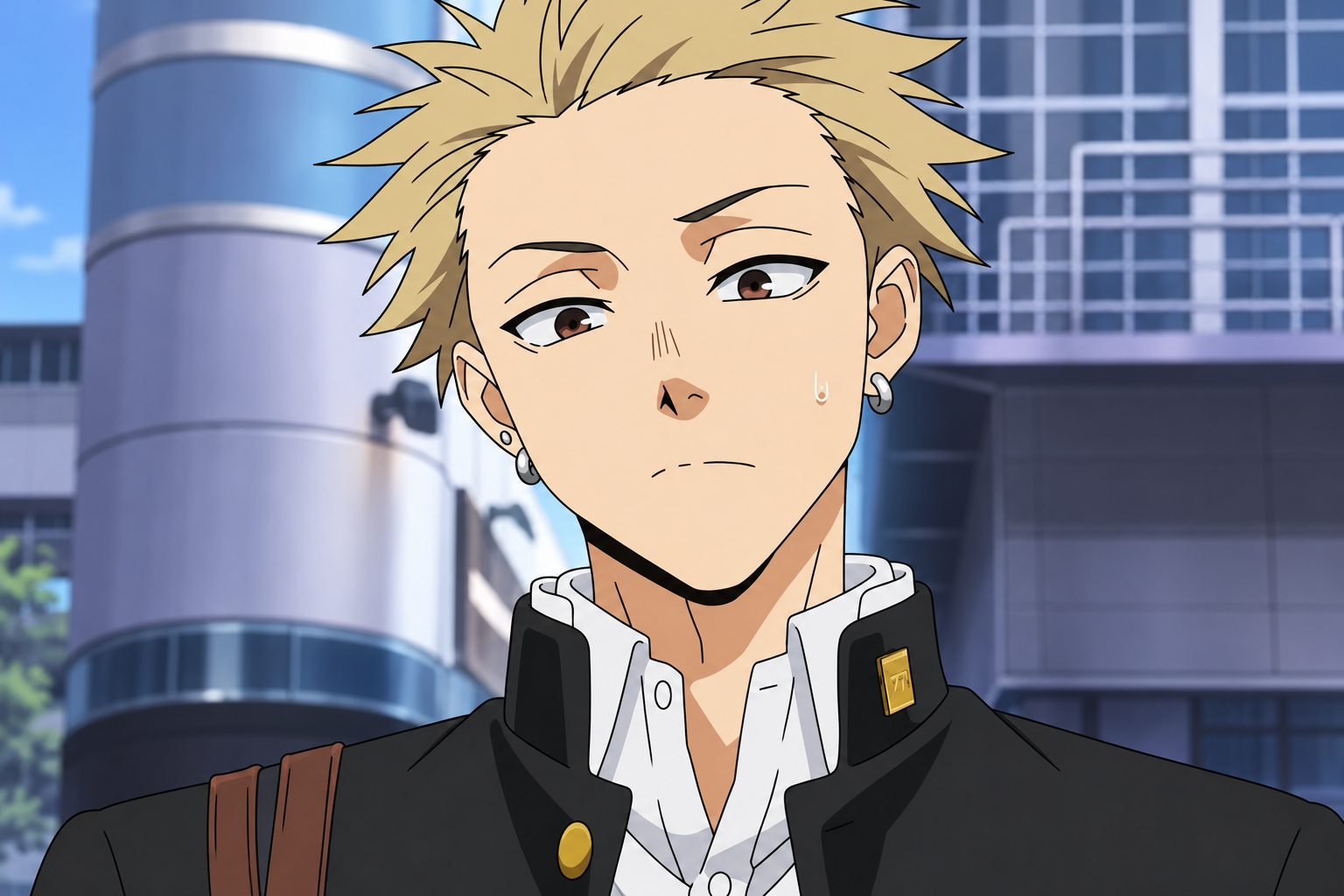
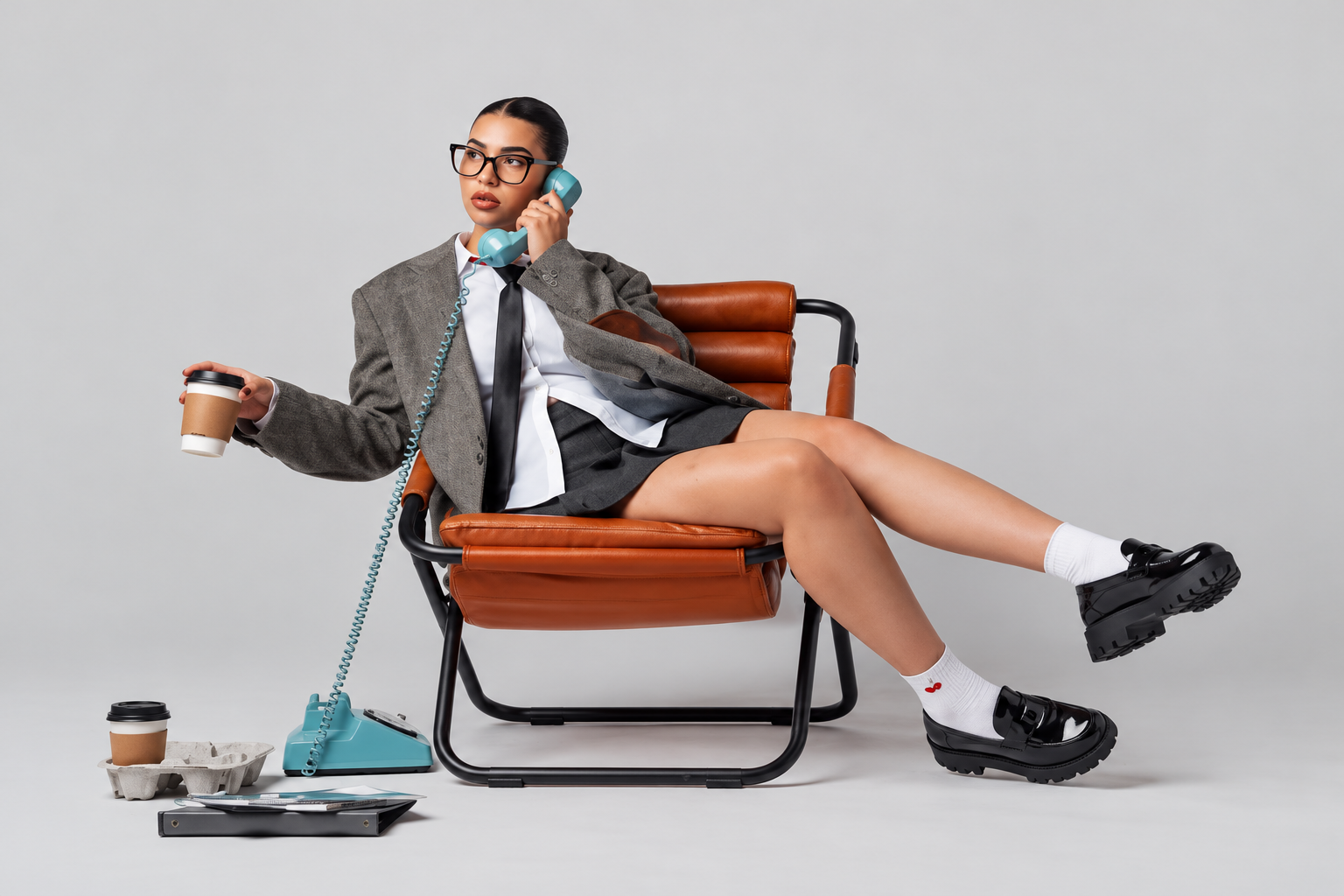
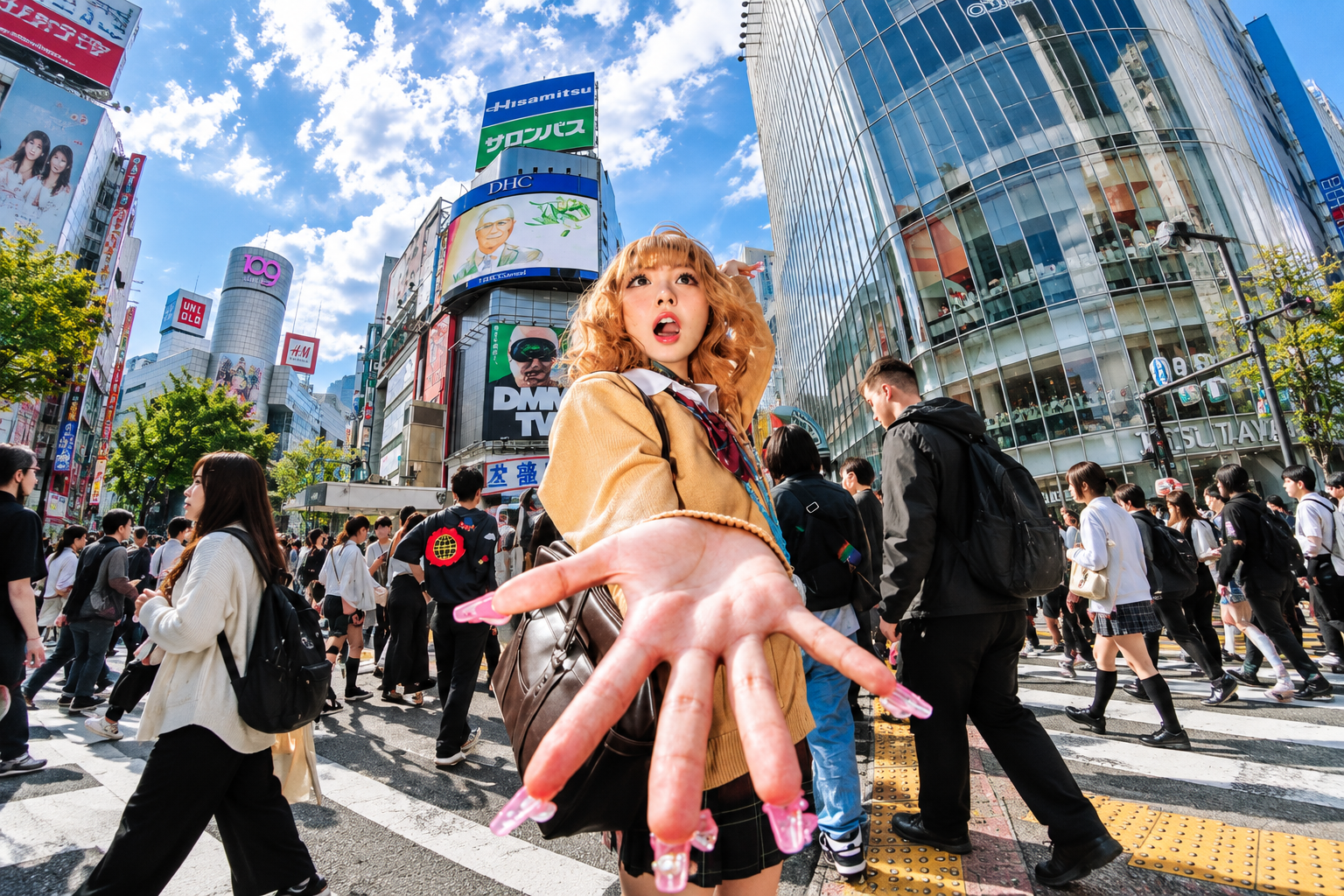
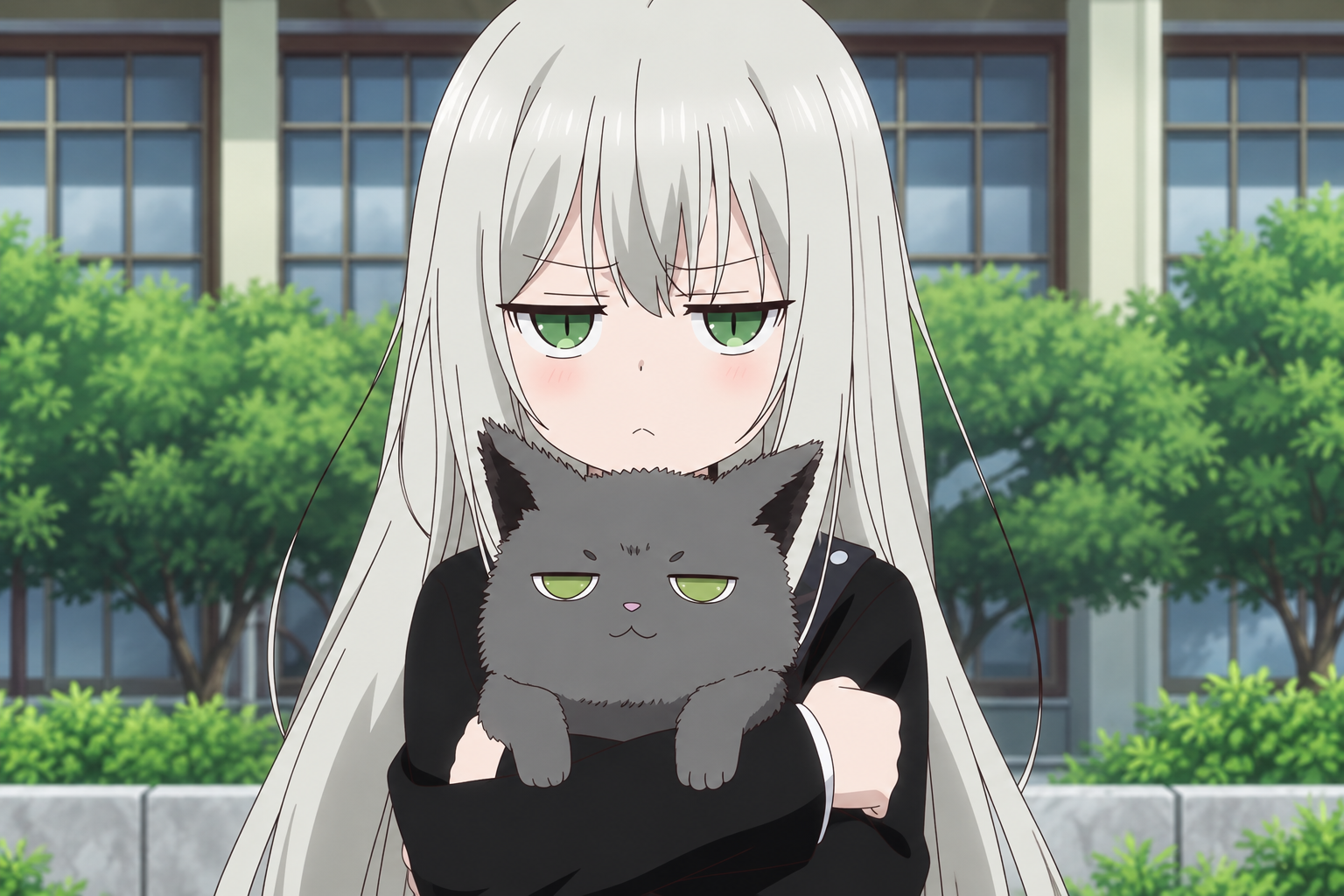
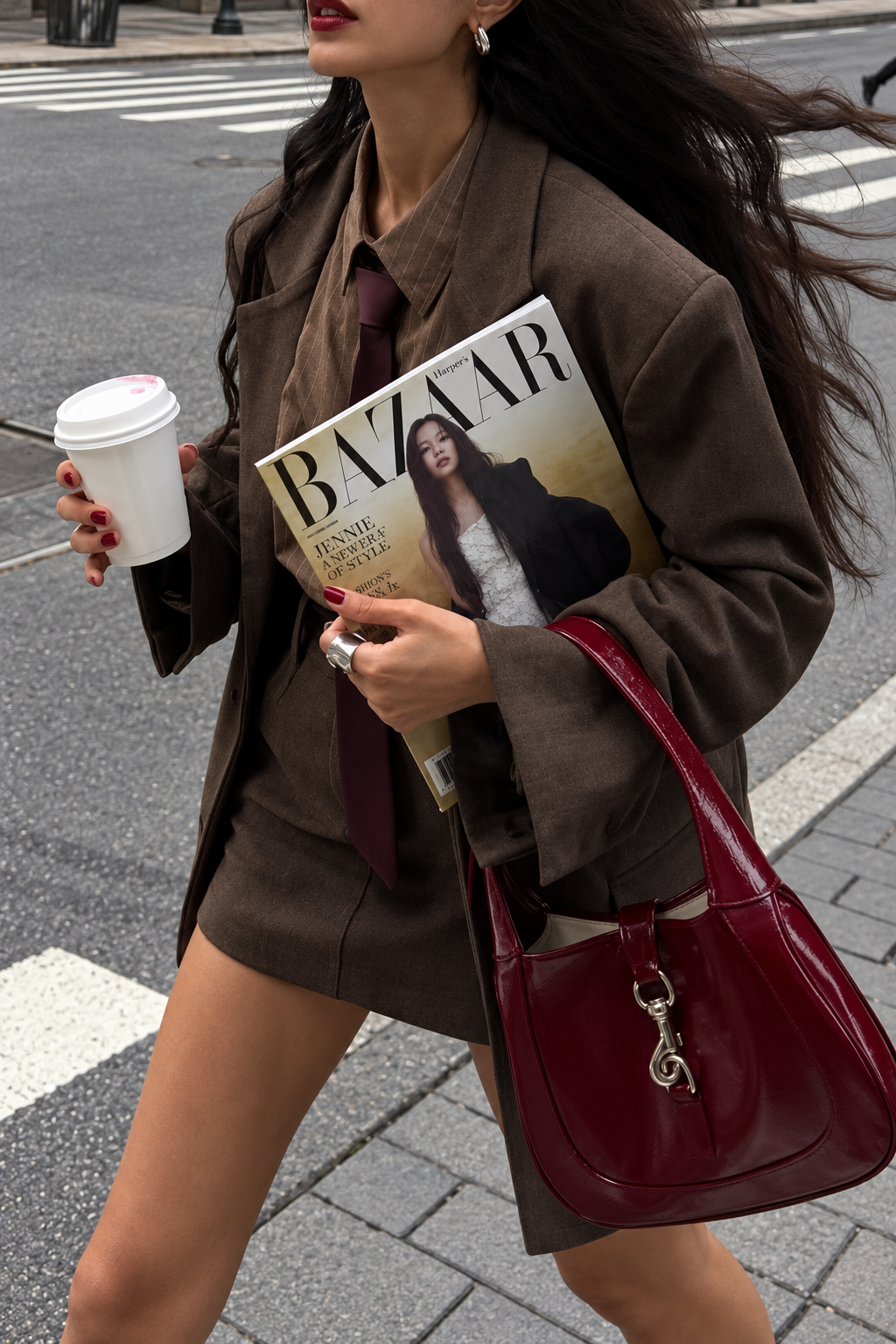
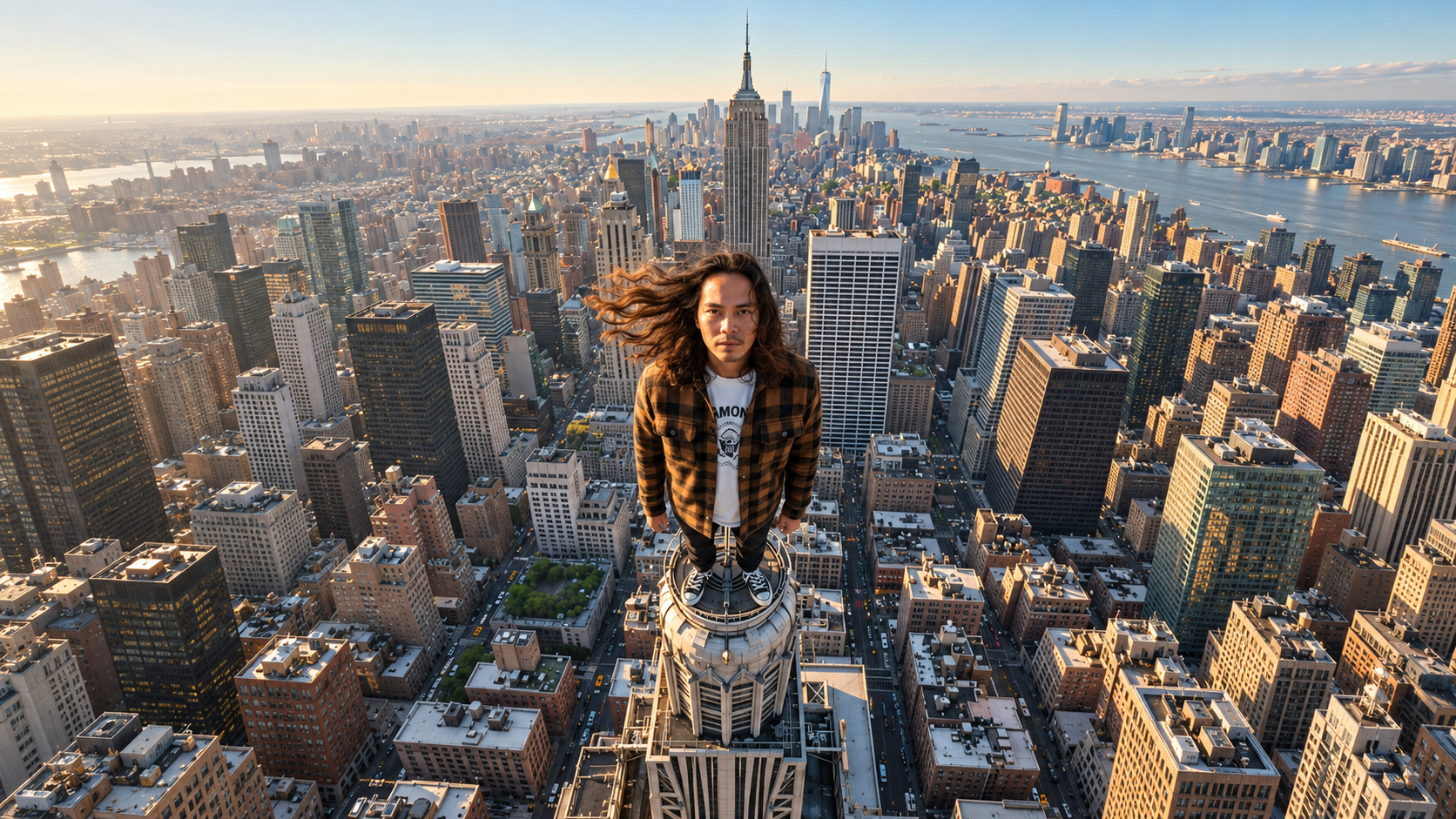
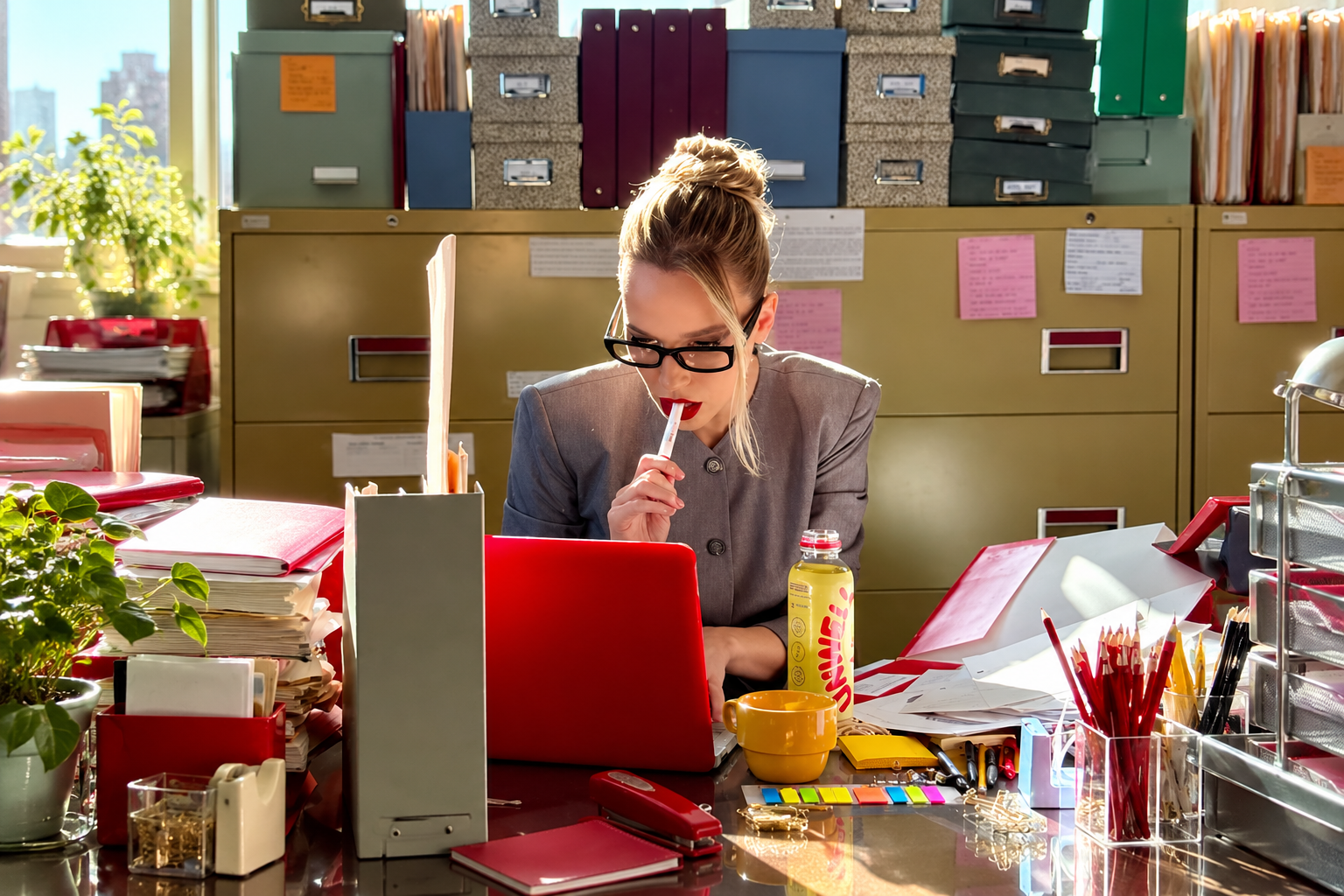
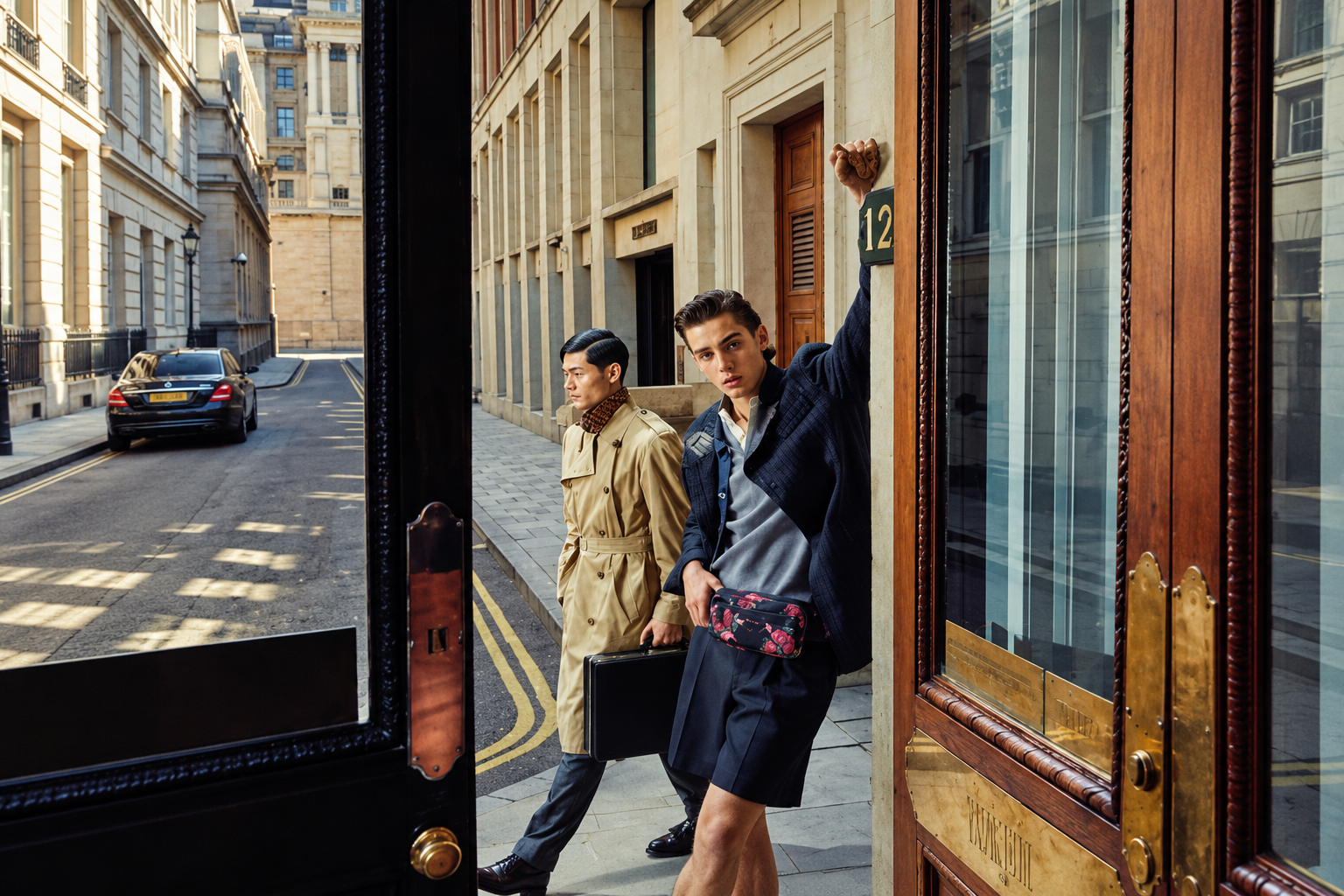
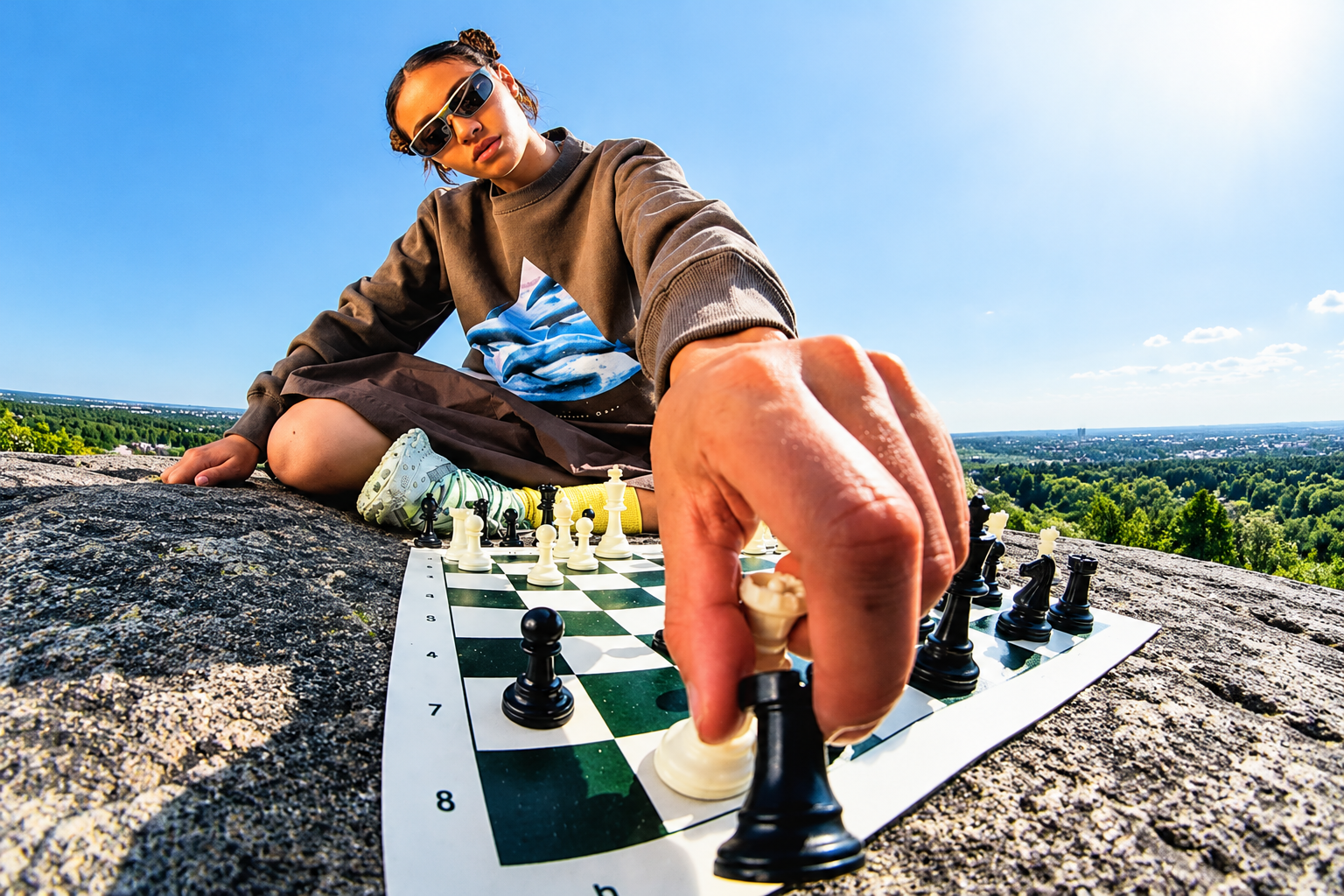
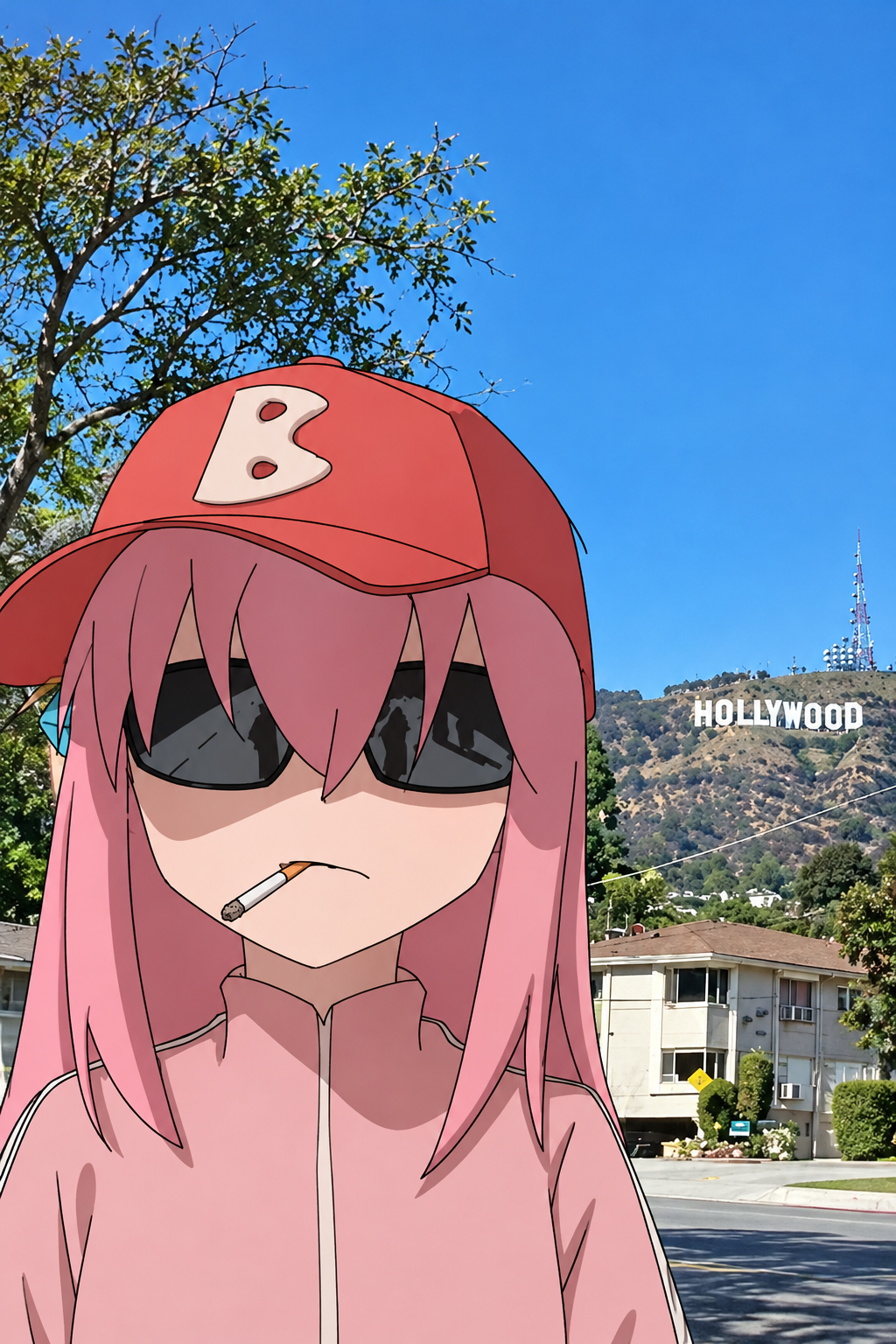
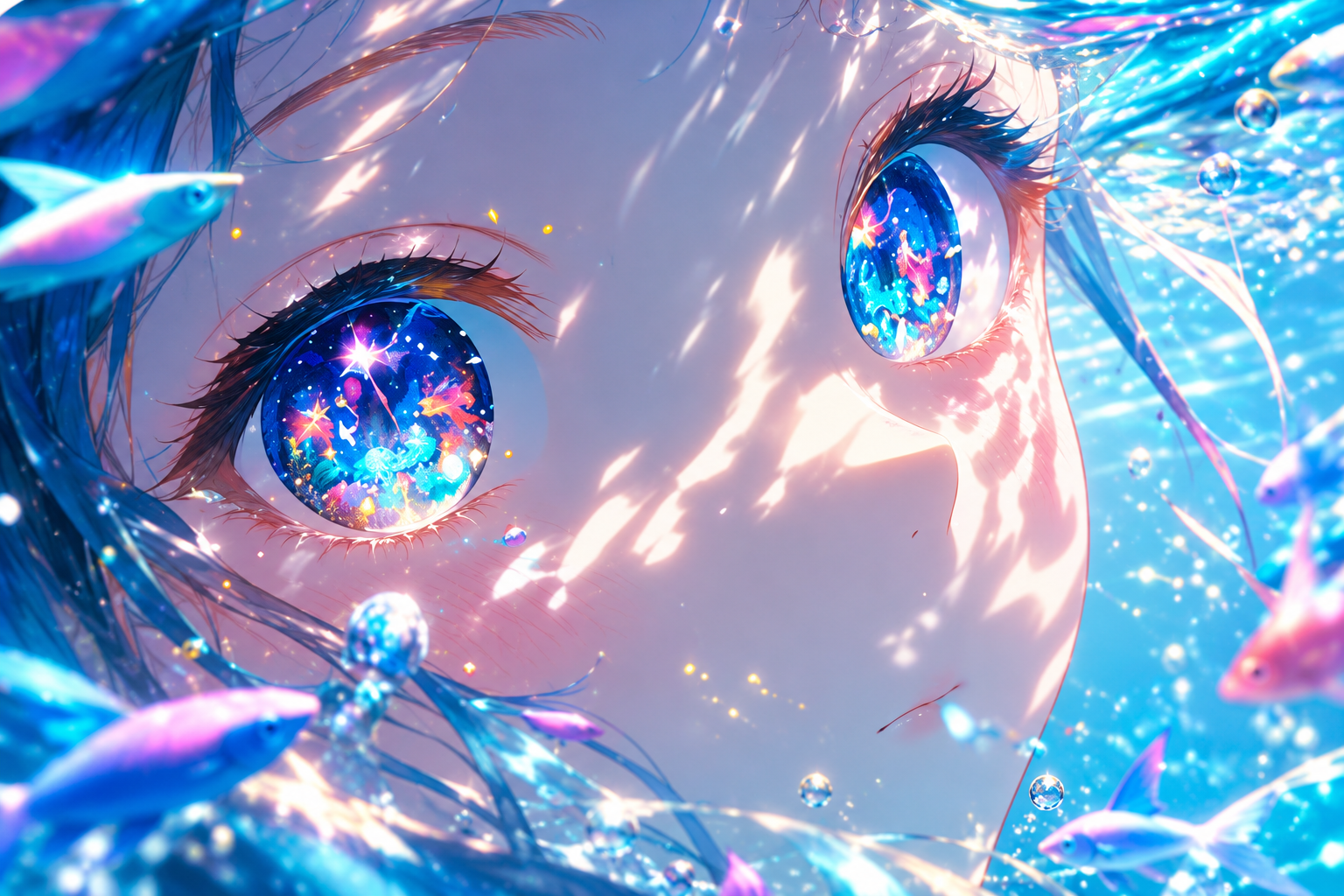
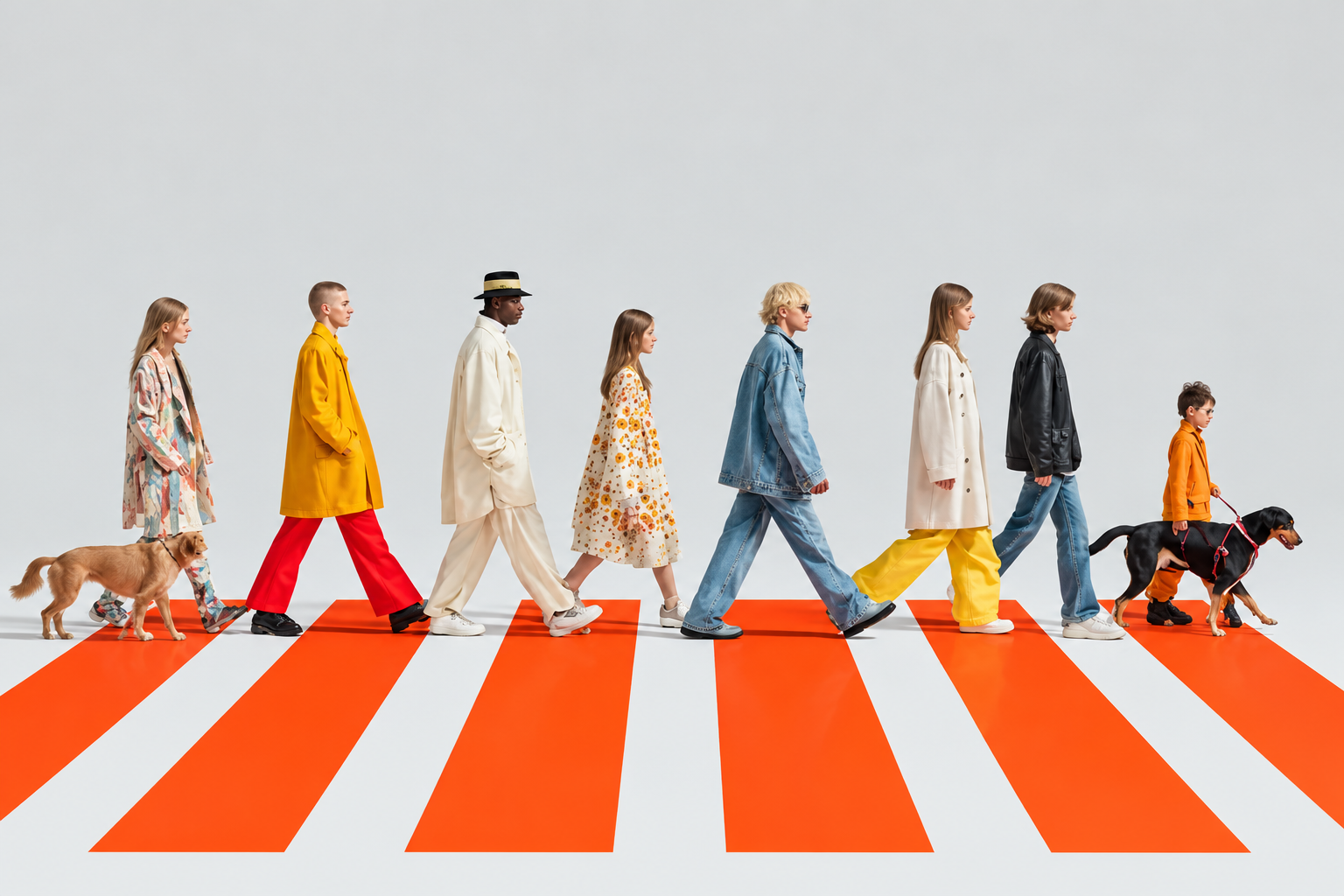
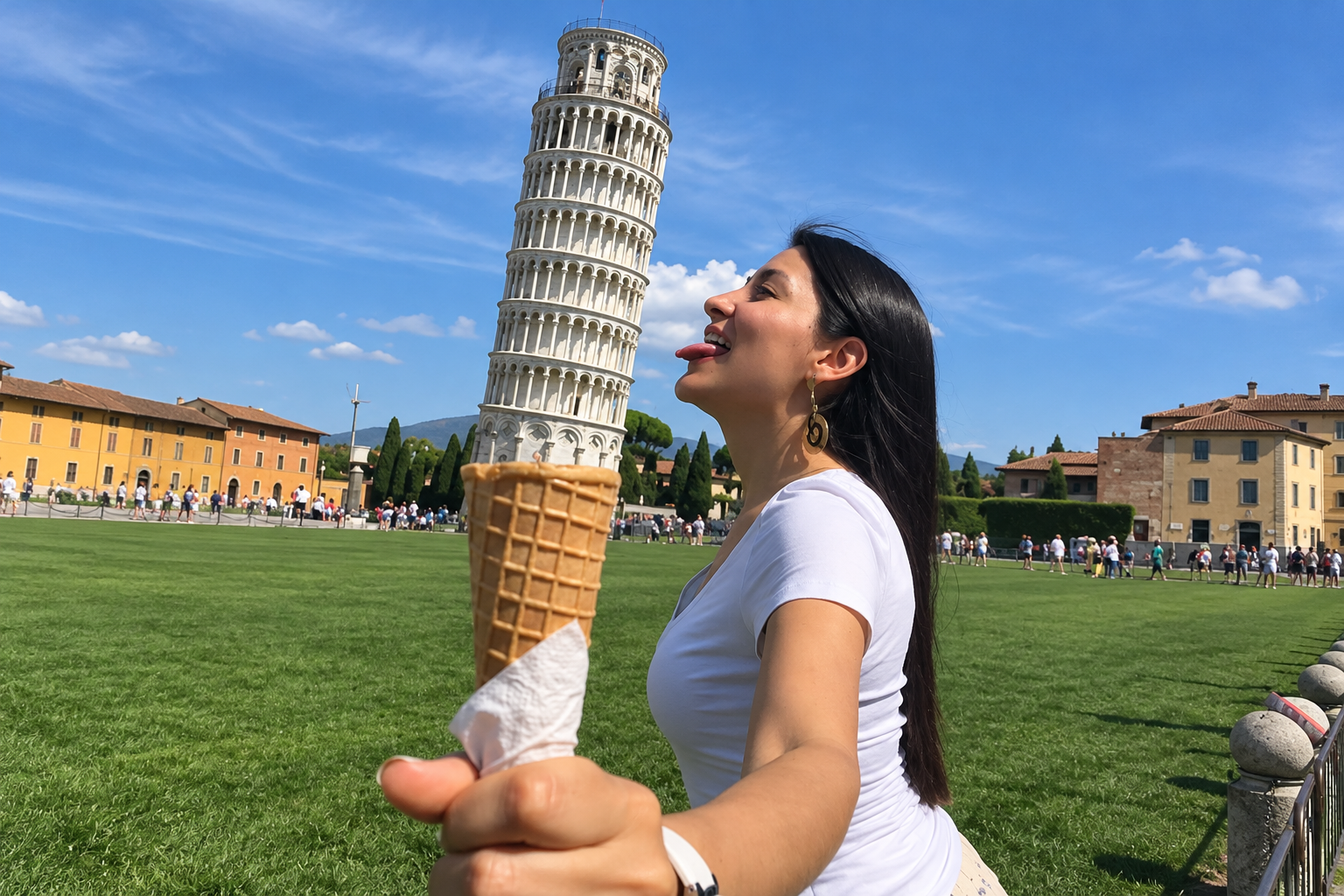
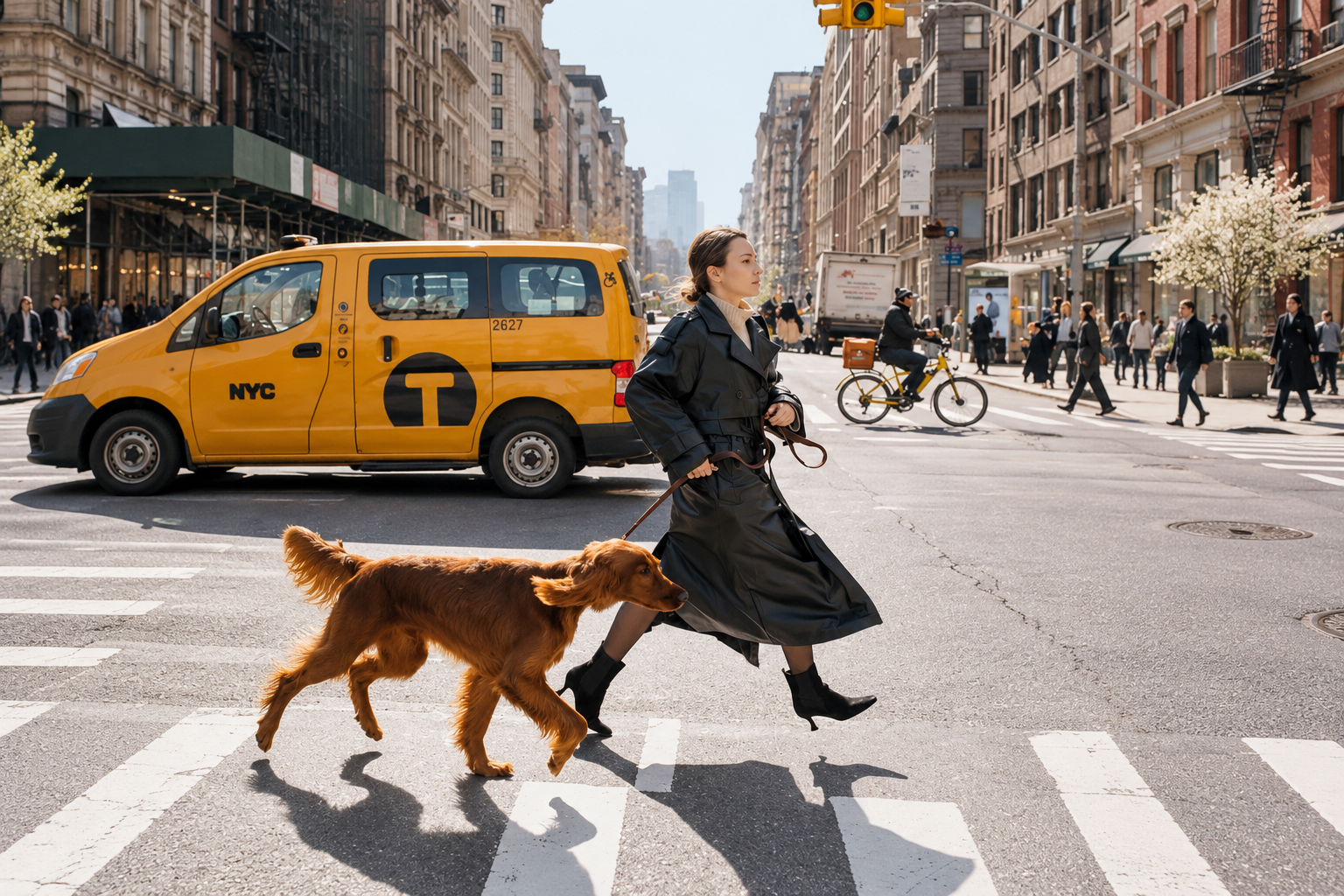
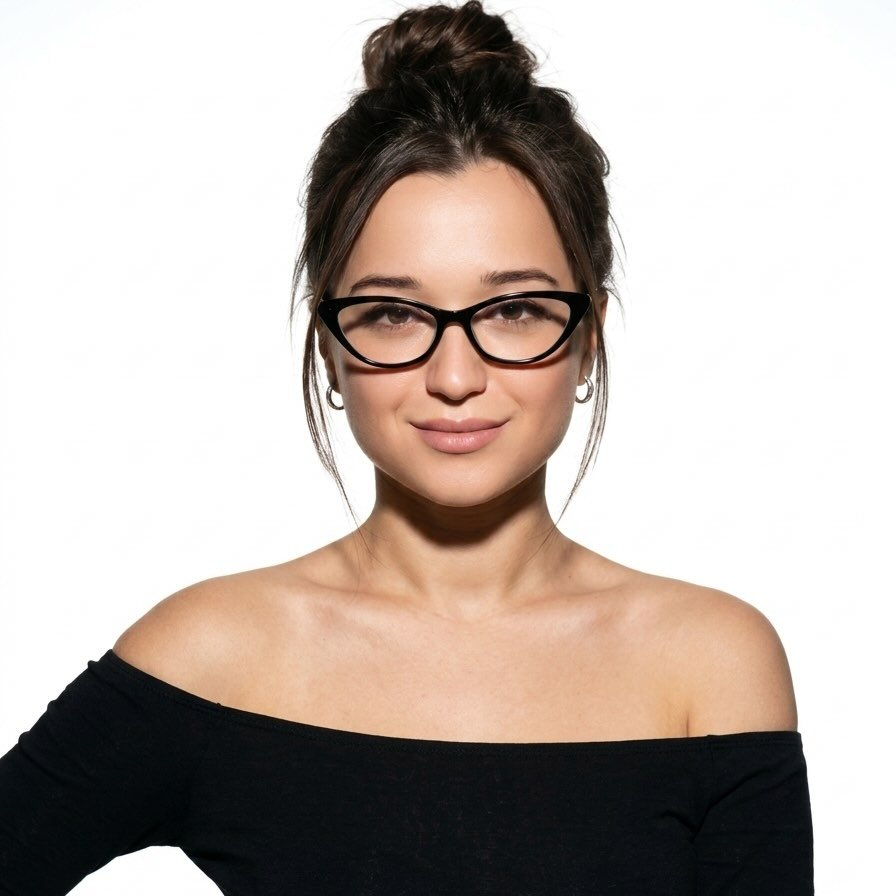
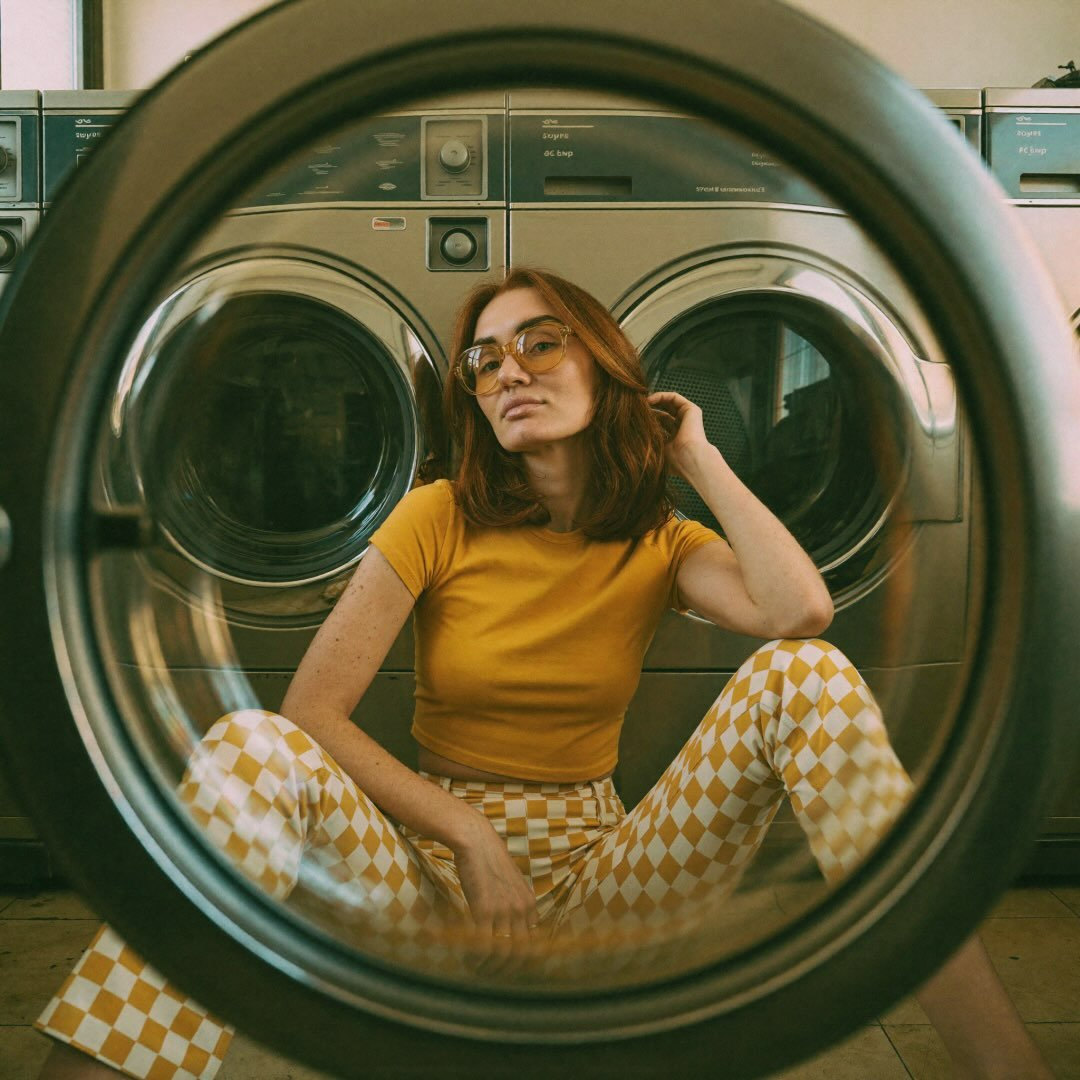
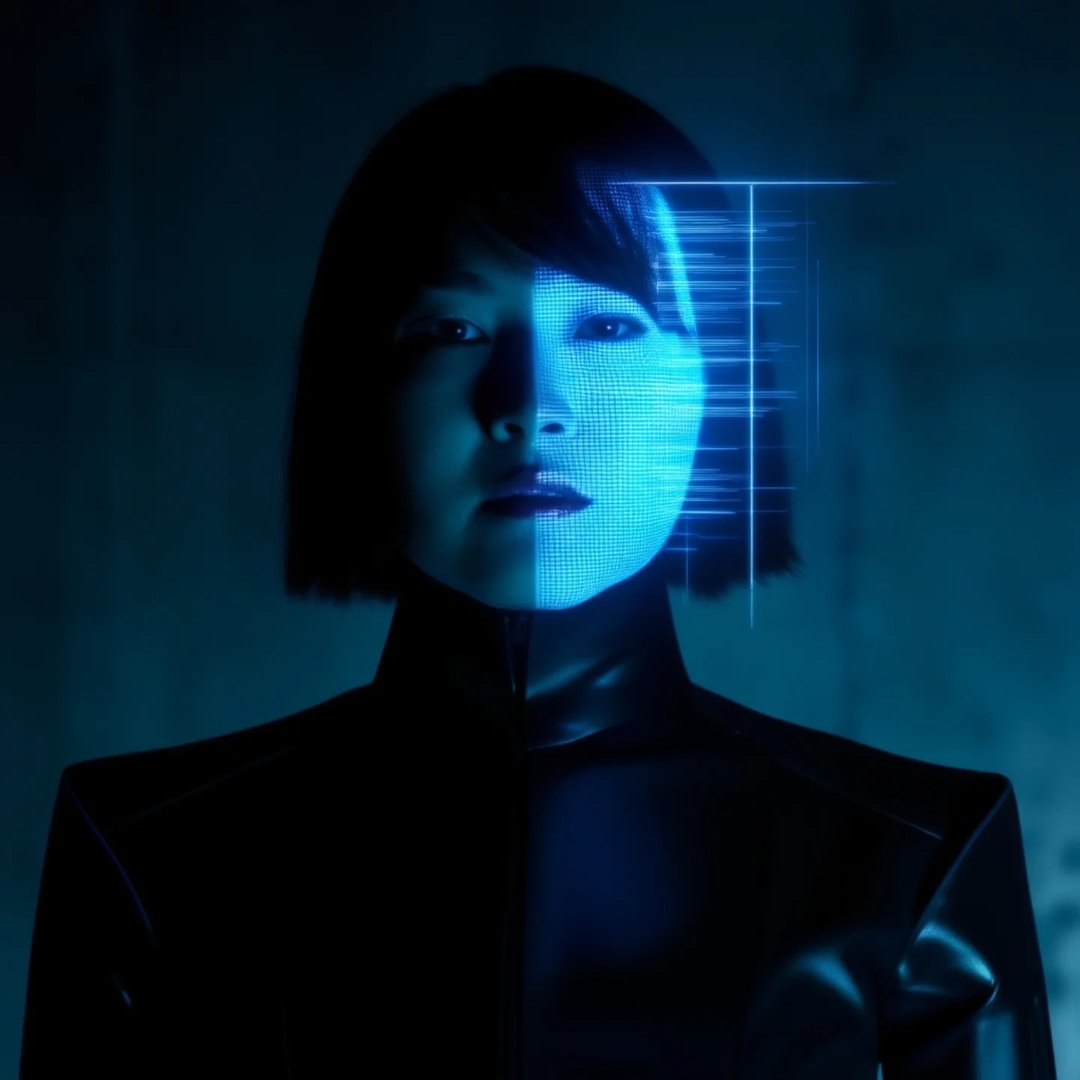
An AI photo generator creates images from written descriptions or visual references. MOVO AI brings this workflow into a creative workspace where you can describe a photo, choose an available image model, and refine the result through conversation. For broader styles and illustration, explore the AI Art Generator.
How do I create a photo with MOVO AI?
Describe your subject, setting, lighting, and composition in the input above, then select Generate. Your text is carried into the MOVO workspace. Choose an available image model, review the settings and credit estimate, and start creating. Add a reference photo in the workspace if you want to guide the result.
Can I use an AI image generator with my own photos?
Yes. Add a photo you have permission to use in the workspace and choose a model that supports image references. Explain what to preserve and what to change, such as the background or lighting. Reference and editing options depend on the selected model; review the generated details before sharing.
Is there a free photo AI generator trial?
MOVO AI offers new users free trial credits. An account is required, and the number of photos you can generate depends on the model, settings, and revisions. Check your workspace balance and current pricing for details. Free access does not mean unlimited generation.
Can I generate landscapes from a photo?
Use a landscape photo as a reference in a supported image-to-image workflow, then describe a new season, time of day, or scene. Include landmarks and composition details you want to retain. If you are comparing the best free AI landscape generator from photo options, try the same reference and brief and compare the results and credit costs.
Which AI tool is best for image generation?
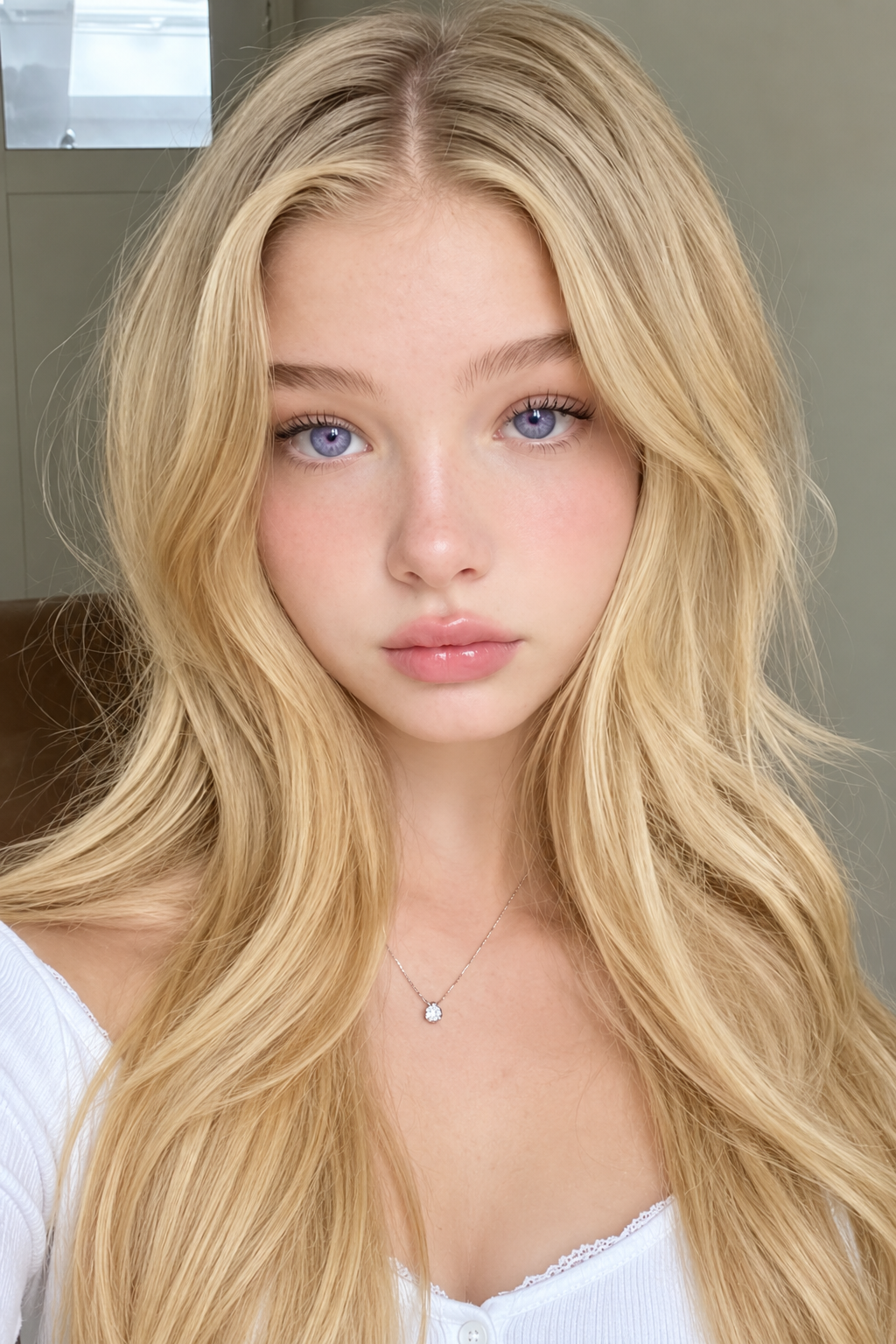
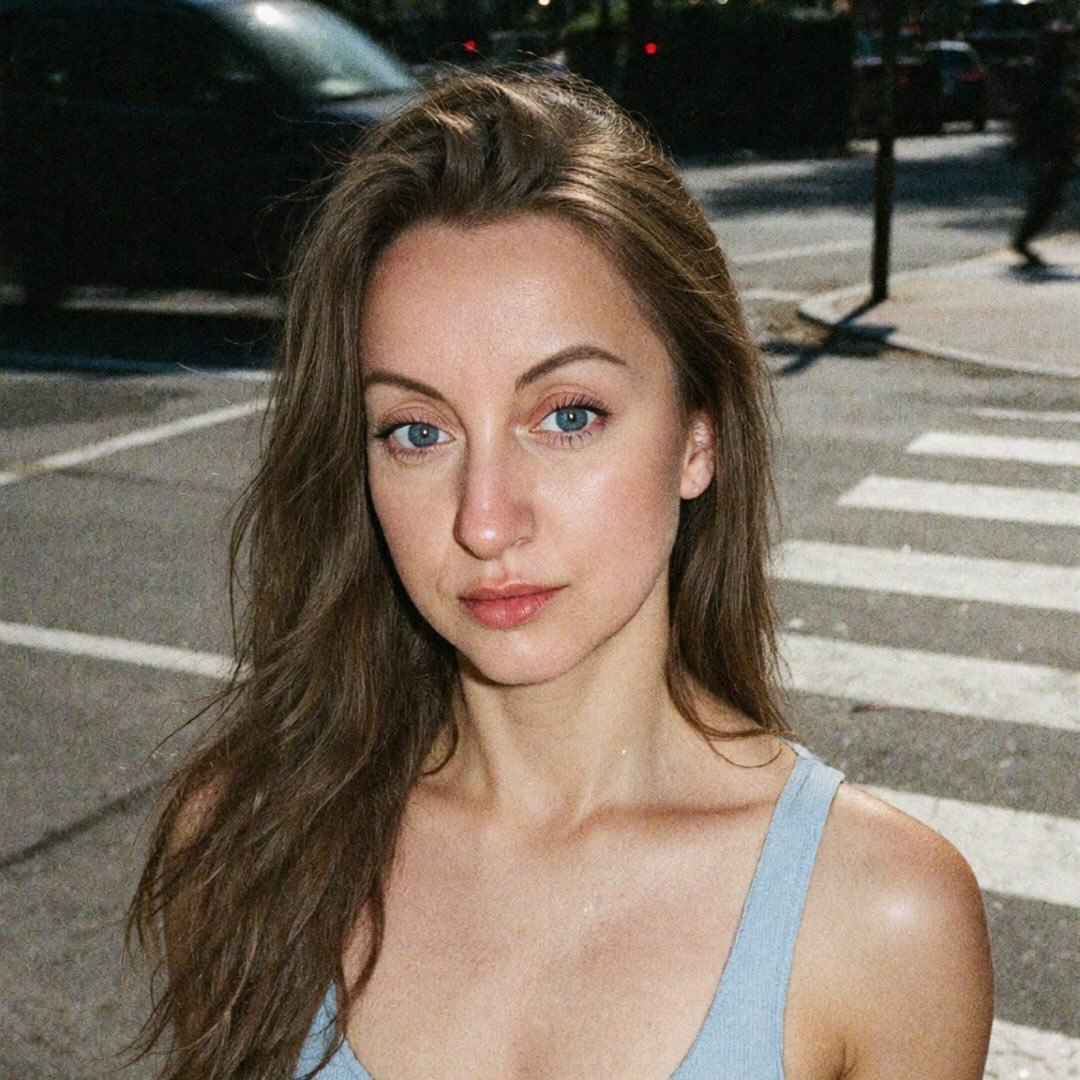
The best AI image generator for your project depends on how closely it follows your brief, handles your references, and fits your budget. Compare available models in MOVO with the same prompt. For portraits, inspect facial details and skin texture; for product photos, check shape, labels, and materials.
Can I create several AI pictures in the same style?
Describe the same lighting, palette, and photographic style for each image, and reuse a reference where supported. Change one part of the brief at a time and review consistency across the series. Available output counts and controls are shown in the workspace.
Can I turn my generated photo into a video?
Yes. Use a finished photo as the starting point for an image-to-video project in MOVO AI. Describe the motion and scene you want, choose an available video model, and review its settings and credit cost before generating.