Describe your idea
Add your topic, audience, and goal. A few specific details give your script a stronger starting point.
Use MOVO’s AI script generator to write video scripts for YouTube, Instagram, TikTok, X, and more.

Give MOVO’s AI video script generator a topic, an audience, and a goal. Open a YouTube tutorial with a hook, outline a product demo for Instagram Reels, or draft a quick explainer for X. Use the first draft to see where the story needs more detail or a faster pace.
Work with the AI script writer to revise dialogue, swap an opening, or add visual direction. Once the script is ready, continue with shot planning, asset generation, and rendering in the same MOVO project. Eligible accounts can get started with trial credits.
Write your first draft ↗Get started online with available trial credits.

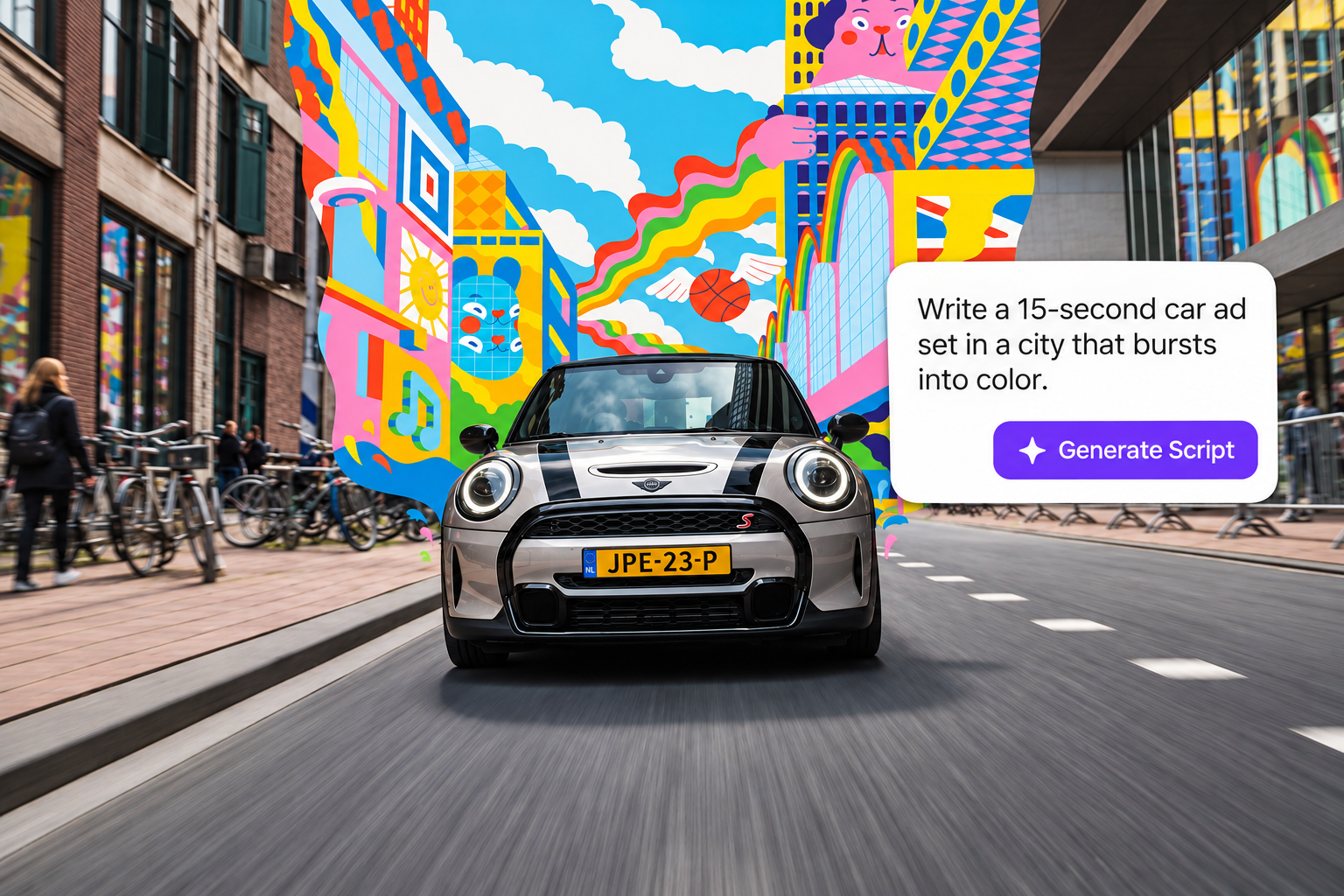
Turn a topic into a hook, a clear story, and a call to action. Use MOVO to write a YouTube explainer, a TikTok product launch, or a short commentary video for X. Tell the agent who you want to reach and what you want them to remember.
Write a script ↗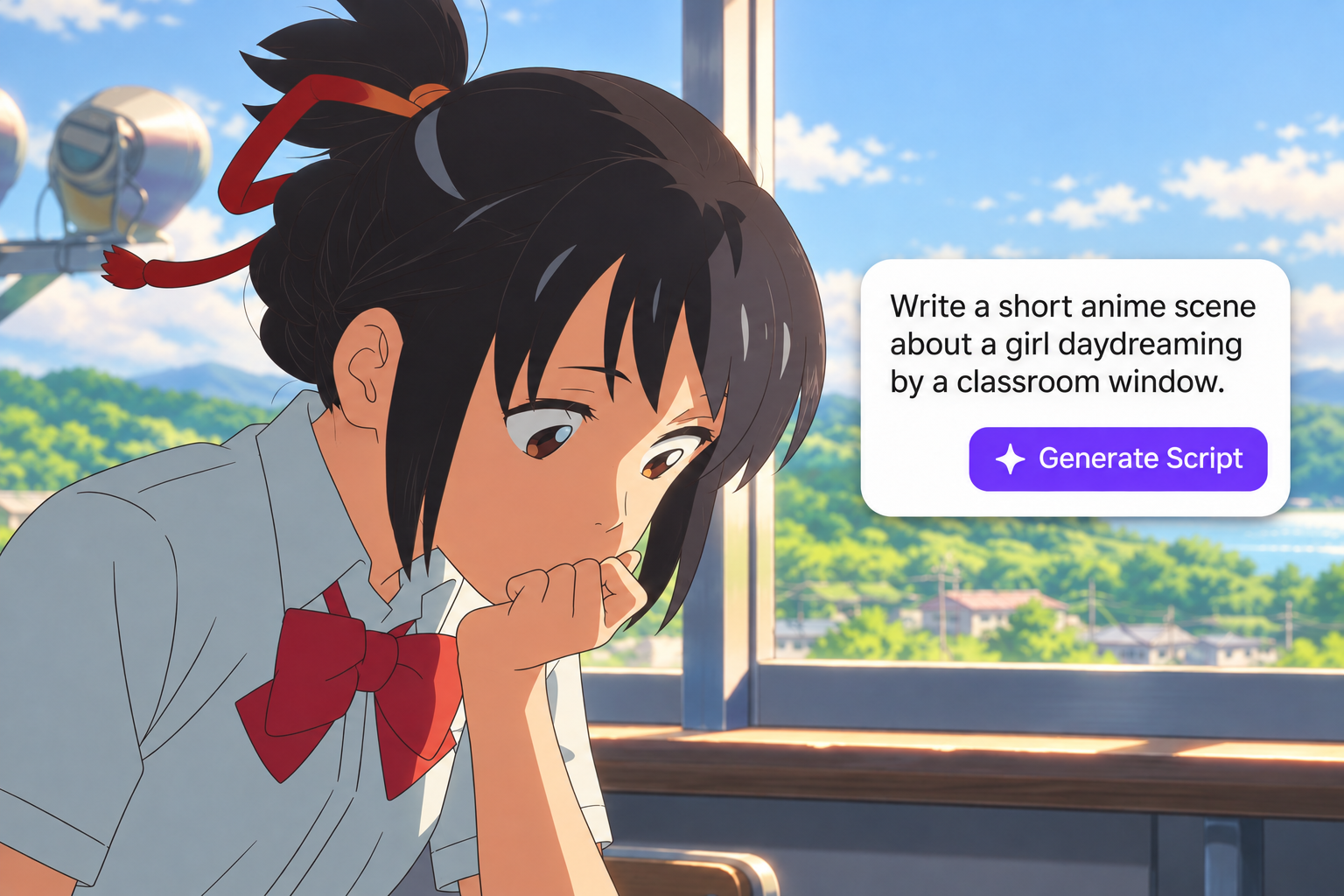
Use MOVO as an AI movie script generator to outline a short film, draft dialogue, or develop a pilot scene. This AI script maker helps you shape a first draft into something that sounds like you. Ask MOVO to rewrite a scene, sharpen the opening, or adjust the pacing before you move into production.
Find your next idea ↗
Keep creating in the MOVO workspace. Develop your AI-generated script into scenes, plan your shots, and continue into AI video creation. Refine the result with natural-language instructions, with your story at the center of the workflow.
Start creating ↗Add your topic, audience, and goal. A few specific details give your script a stronger starting point.
Choose a tone and format. Continue in the workspace to shape your hook, scenes, and dialogue.
Review your script, refine your story, and move into video creation with MOVO.
Outline a hook, three teaching beats, and B-roll cues for a beginner’s guide.
Open a 30-second Reel with the payoff, then show the steps that got you there.
Show a real problem, demonstrate the product in use, and close with a clear next step.
Lead with your take, back it up with one example, and close with a question.
Set up a relatable moment and deliver the reveal in under a minute.
Give viewers the context they need to follow a turning point from a stream.
Frame a strong guest quote with enough context to stand on its own.
Write a scene where two characters want different things from the same conversation.
Experience why top creators and innovators choose MOVO AI as their go-to video agent to build the future of AI.
An AI script generator turns a written brief into a draft script. Give MOVO your topic, audience, tone, and goal, then develop the opening, narration, scenes, and closing in the workspace.
Describe your idea above, select a tone, audience, and platform, and click Create script. Your brief carries into the MOVO workspace, where you can continue with the AI agent. Sign in if prompted.
Try the online script generator with any trial credits available to your MOVO account. Check your credit balance in the workspace and see MOVO pricing for plan details.
Yes. Ask for a YouTube outline, a hook for an Instagram Reel, or a concise video script for X. For a movie script, include character descriptions, setting, dialogue style, and the length you have in mind. Review and refine the draft before production.
Look for a script maker that fits your workflow: clear prompts, flexible revisions, and a practical path from writing to production. MOVO brings script development and AI video creation into the same workspace.
You can draft explainers, social scripts, ads, and fictional stories. See MOVO’s content restrictions for guidance on restricted prompts and assets.