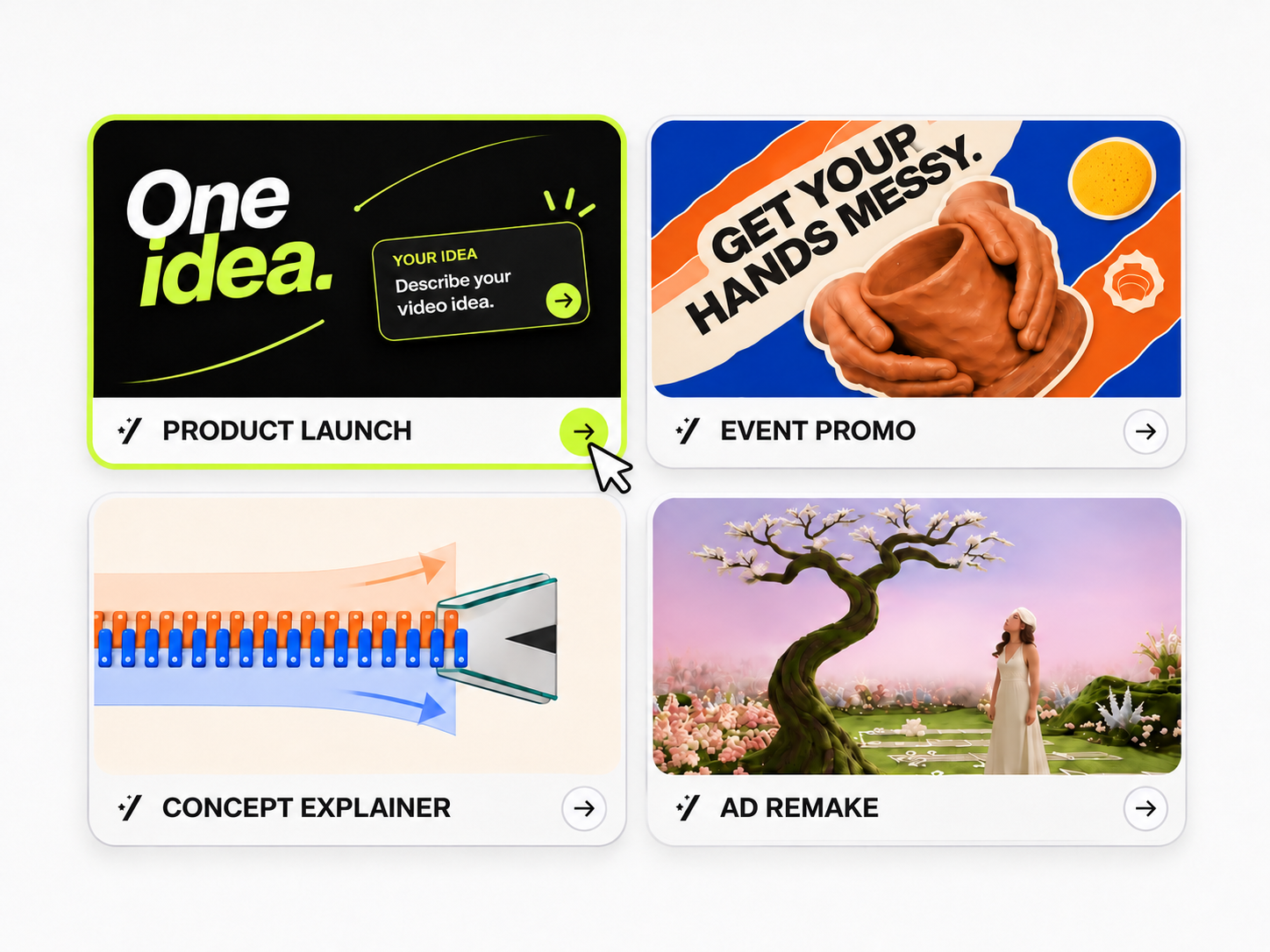
Choose a template
Pick a motion graphic template for a product launch, concept explainer, or event promo.
Turn a prompt or reference image into animated titles, 2D graphics, or short brand videos. Describe the motion you want, then use MOVO’s AI motion graphics maker to generate a draft and refine it through chat.
Try NowStart with complimentary trial credits.In MOVO’s autonomous studio, choose a template, add your text and a reference image, and generate a motion graphics draft.
Pick a motion graphic template for a product launch, concept explainer, or event promo.
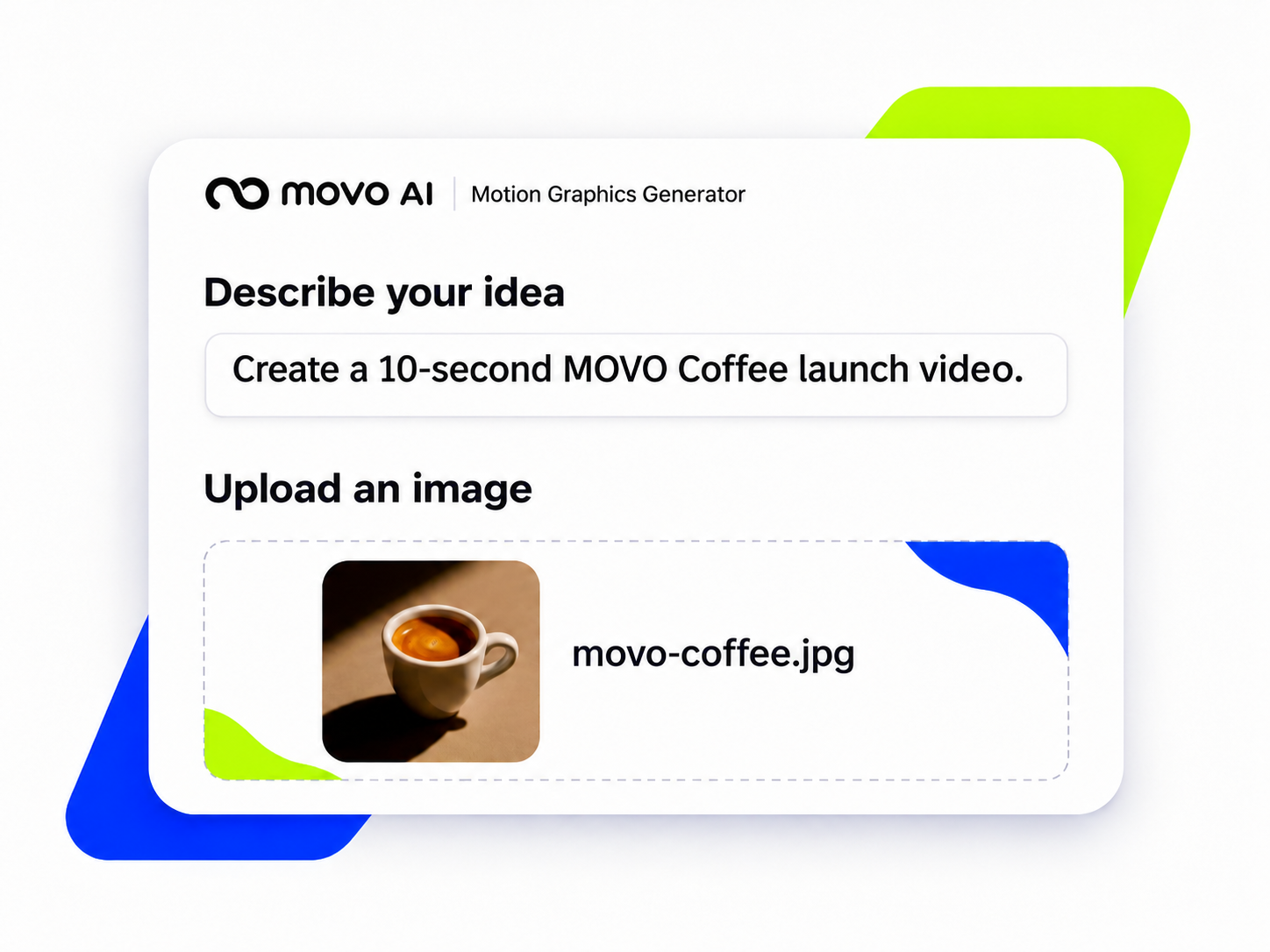
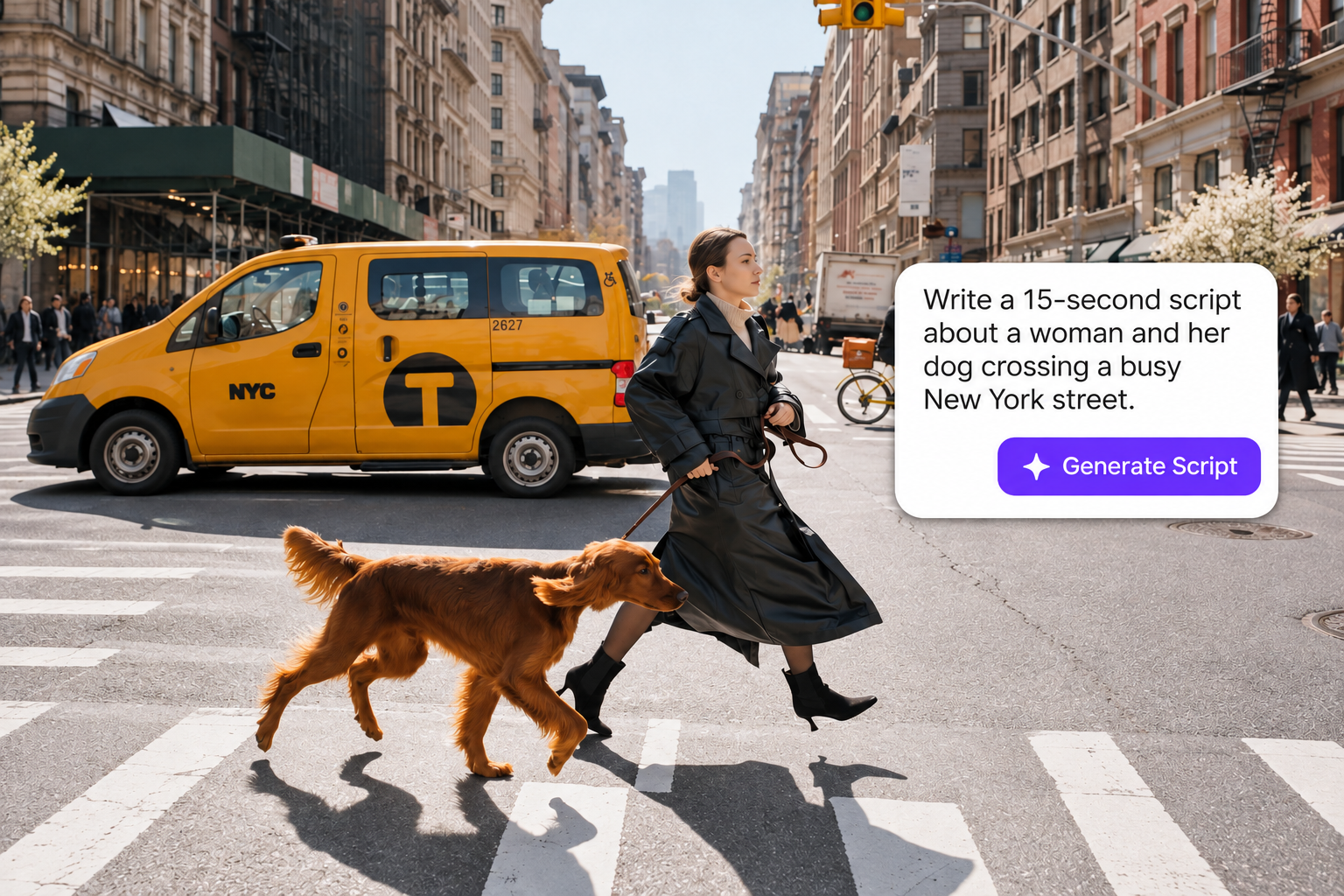
Tell MOVO what you want to make in your own words, then add an image.
Click Generate to turn your template and input into a motion graphics video draft.
Pick a motion graphic template to launch a product, explain an idea, or promote an event. Add your message and visual references, then refine the motion and pacing with MOVO AI.
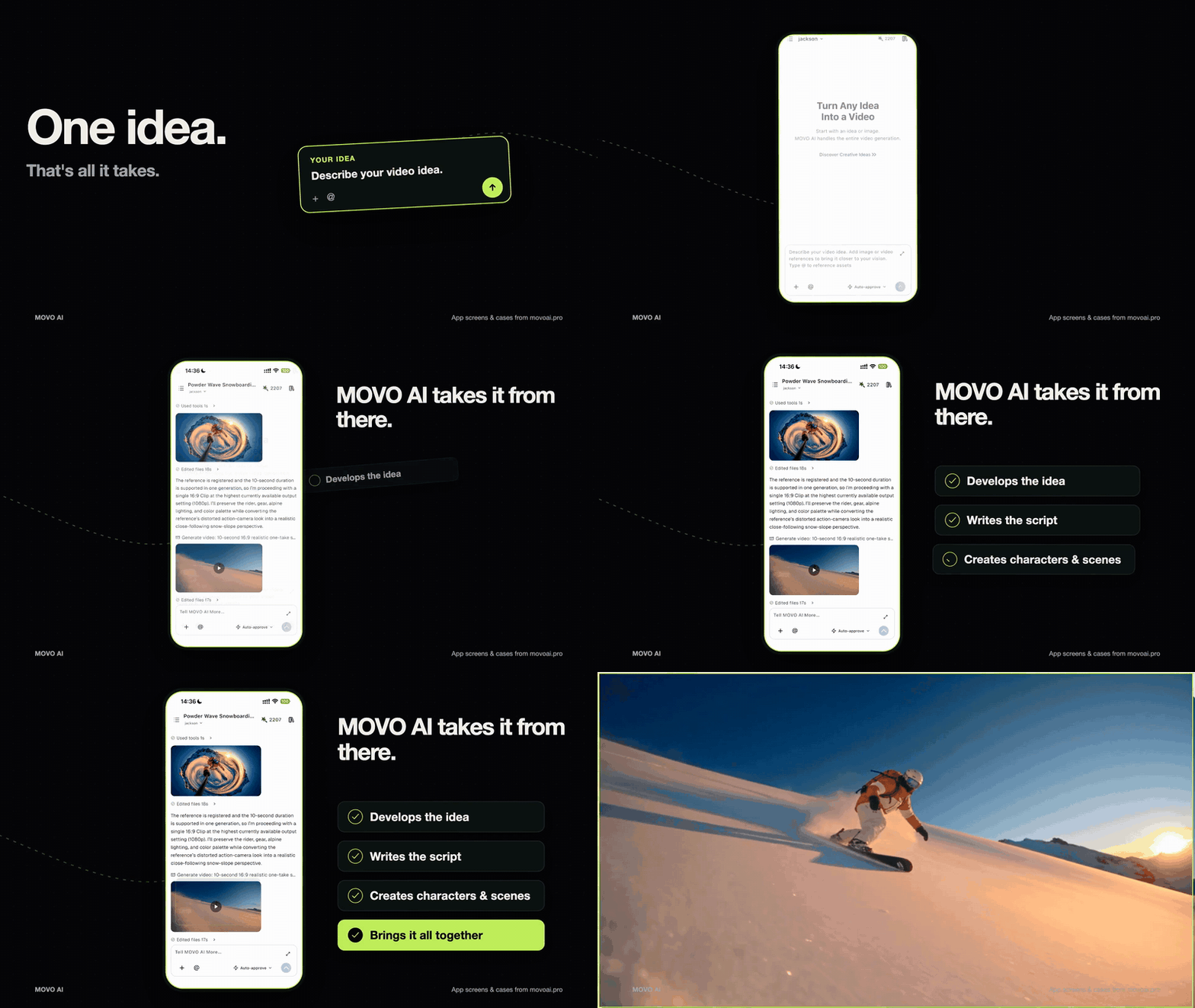

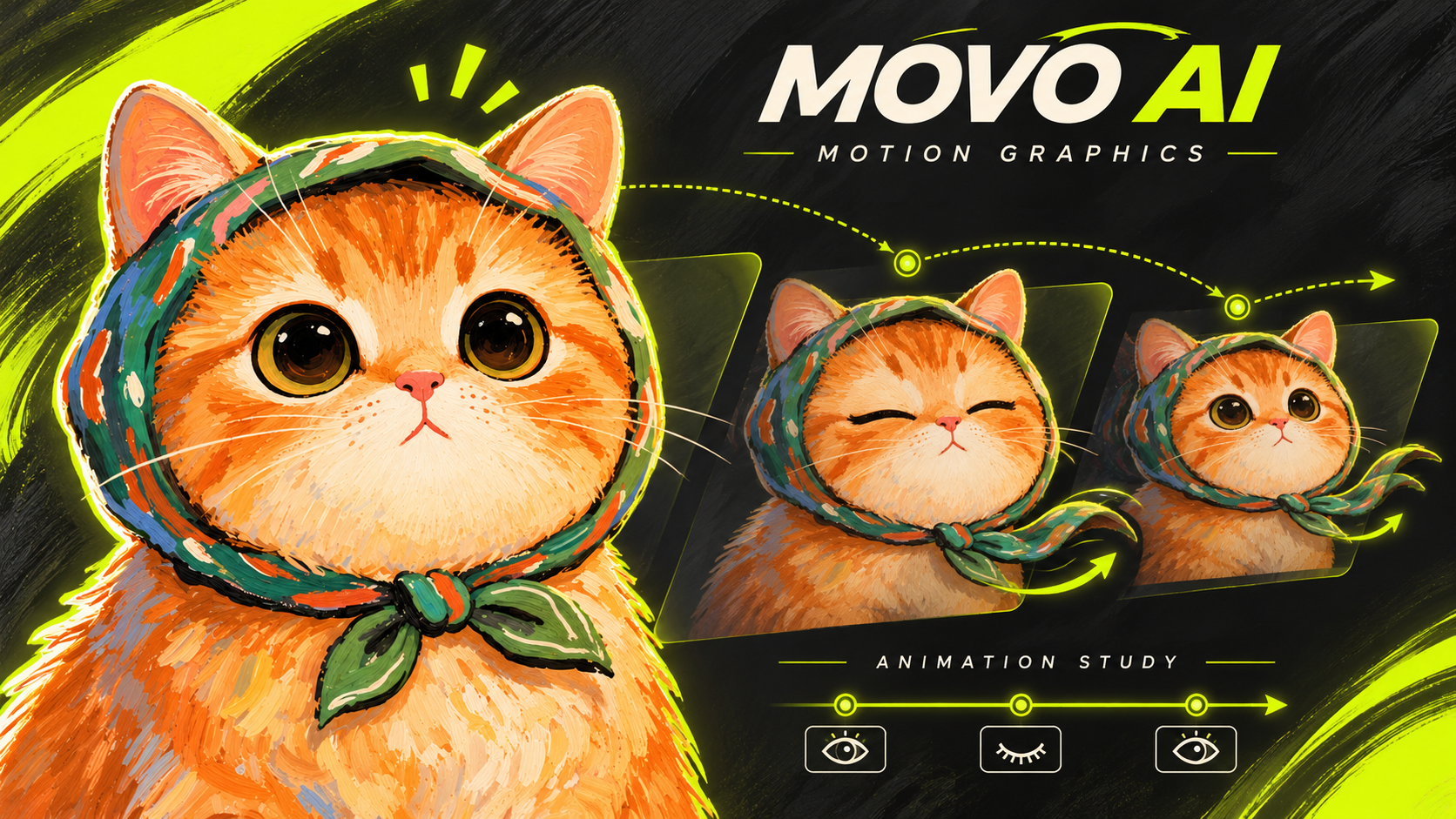
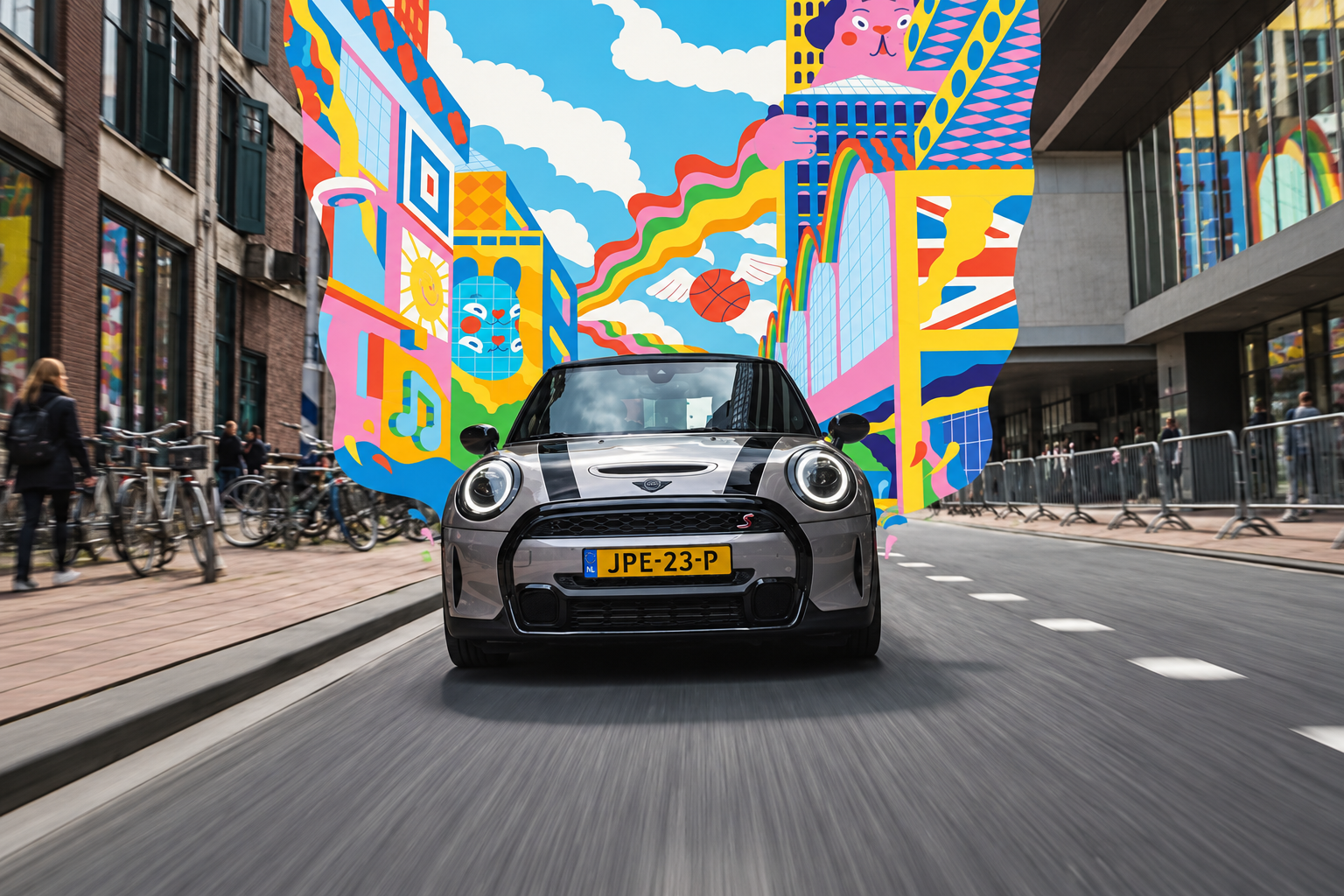
Bring a still design into motion. Use a style frame as your starting point and describe the movement you want to see.
Animate an Image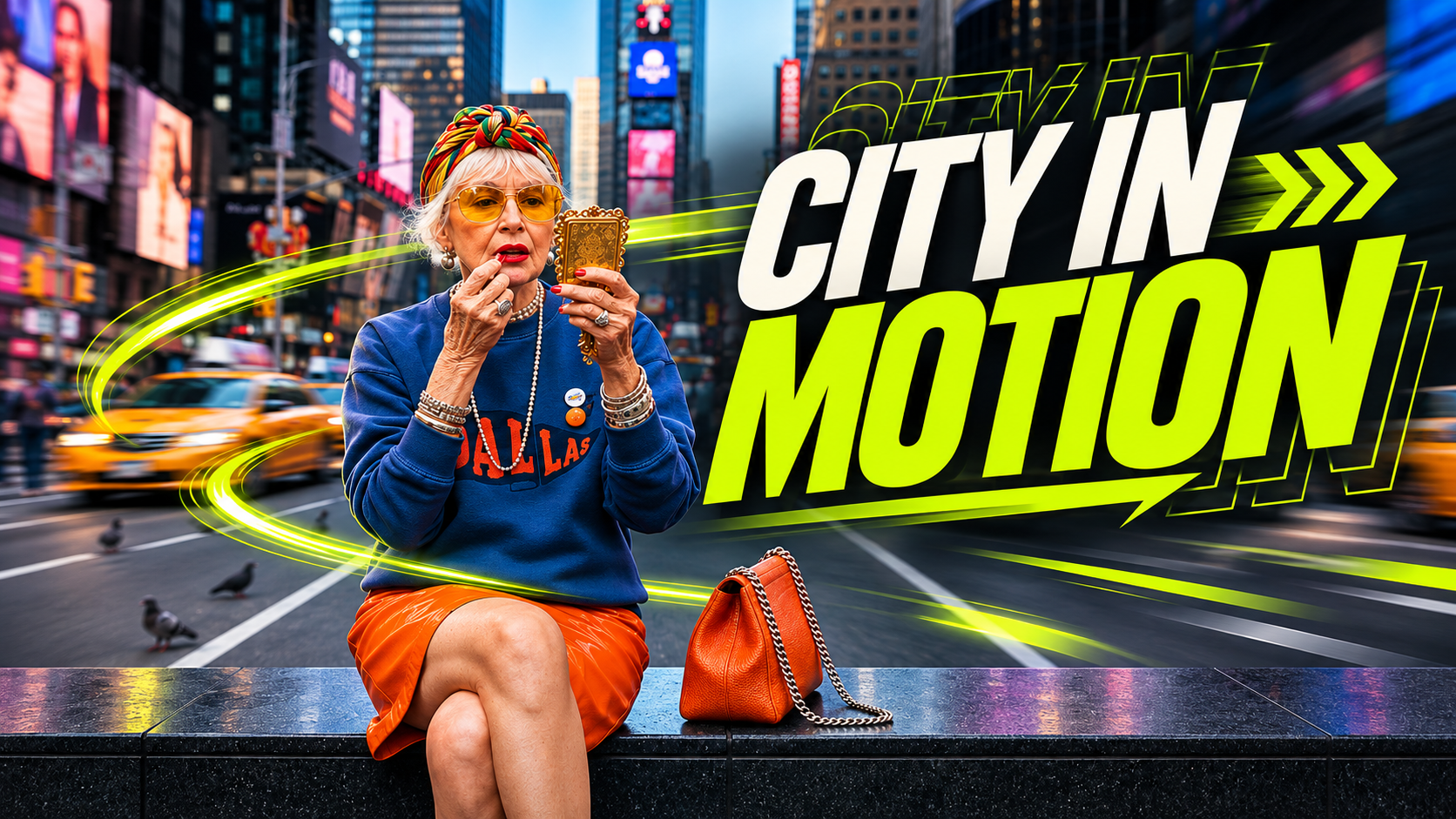
Set how your headline appears, what it emphasizes, and how long it stays. Check readability and spelling.
Create an Animated Title
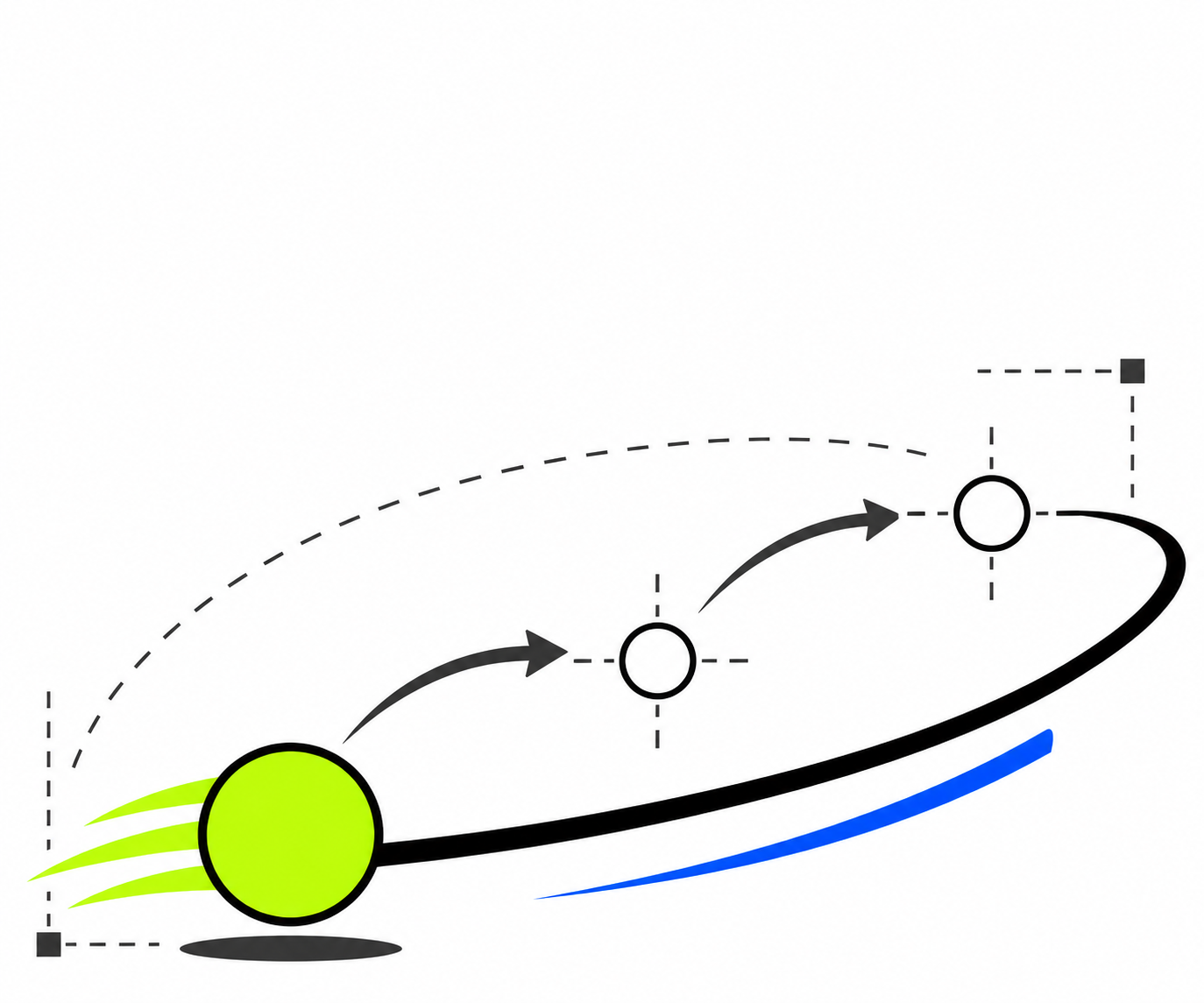
Give shapes a rhythm: circles can pulse, lines can draw across the frame, and blocks can slide together to reveal a message.
Explore 2D Animation
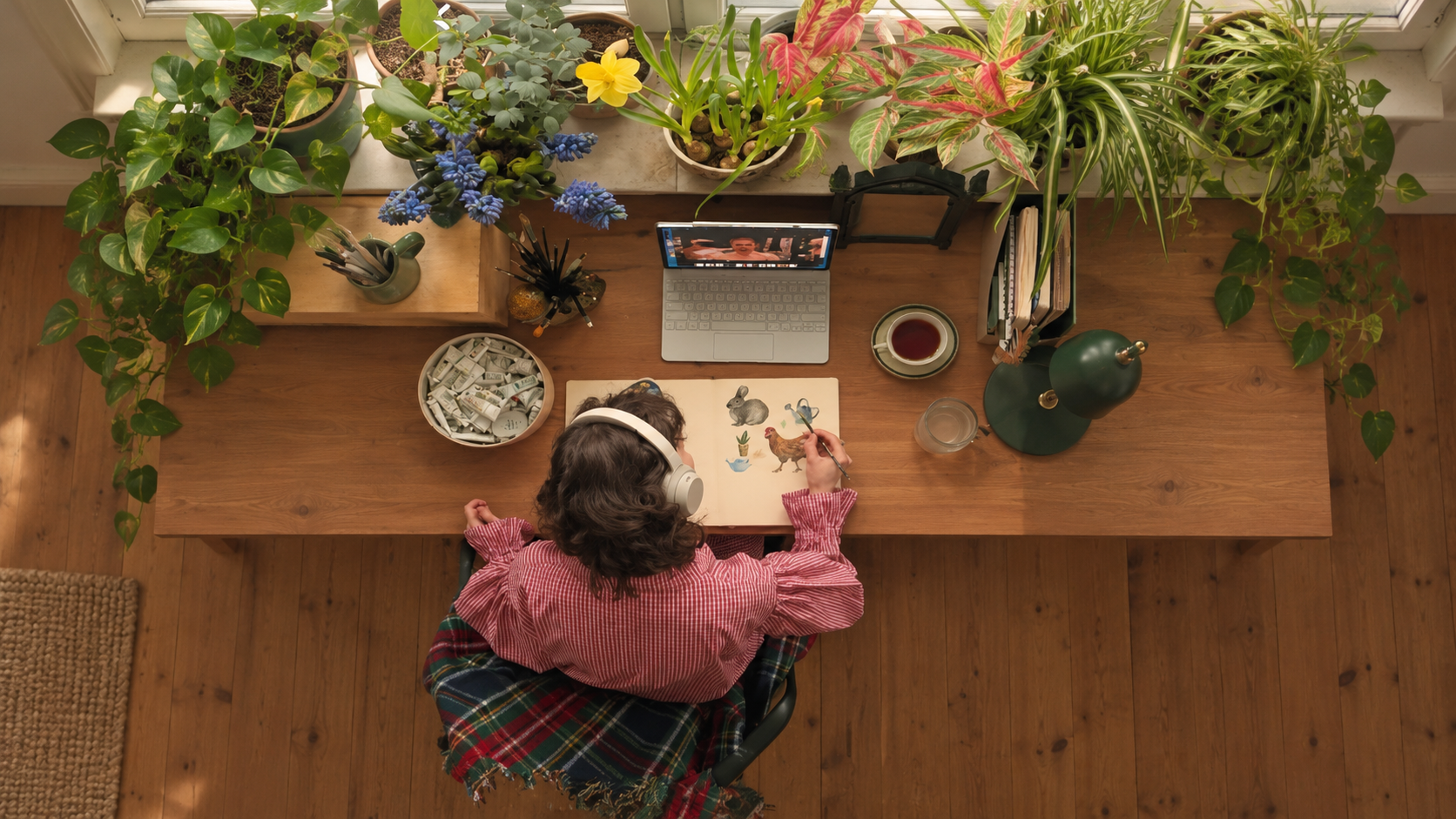
Draft an animated opener, product reveal, or teaser for your launch video.
Start a Video DraftA motion graphic is a design element that moves. Animated titles, shifting shapes, and charts that build on screen are common examples. They can direct attention, explain an idea, or introduce a brand.
It uses generative video to turn a written brief or visual reference into a moving scene. In MOVO, you can describe the motion, review the generated clip, and refine it through chat.
Start with one subject and one action. Try asking for a bold title to rise into frame and pause over a simple background. Review how it reads, then change one detail at a time.
You can start with a text prompt. A reference image helps when you already have a composition, illustration, or look in mind.
You can prompt for animated titles and typography. Review the output for spelling and readability. If you need exact wording, add the final text in your video editor.
Yes. Describe a flat illustration or geometric style and specify how the shapes should move. Simple actions such as scaling, sliding, and rotating are good starting points.
Generate the graphic as a separate clip, then place it in your video editor as an intro, transition, or cutaway. If it needs to sit over footage, check that the clip suits your compositing workflow.
You can start with complimentary trial credits. Credit use depends on your generation settings. See MOVO pricing for plan details.
With MOVO AI, you can draft motion graphics from a text prompt or reference image and refine the clip through chat. With Remotion, you can use React to build video compositions and control timing and animation in code.
Name the subject, describe its direction and speed, and say what the final frame should look like. Ask for one clear motion per shot when timing matters.
Start with a prompt or a reference image.
Build your first motion graphics video with MOVO AI.